
ExtraBrain Blog
I Tried to Find the Best AI Interview Assistants for Coding Interviews. Here's What Actually Matters
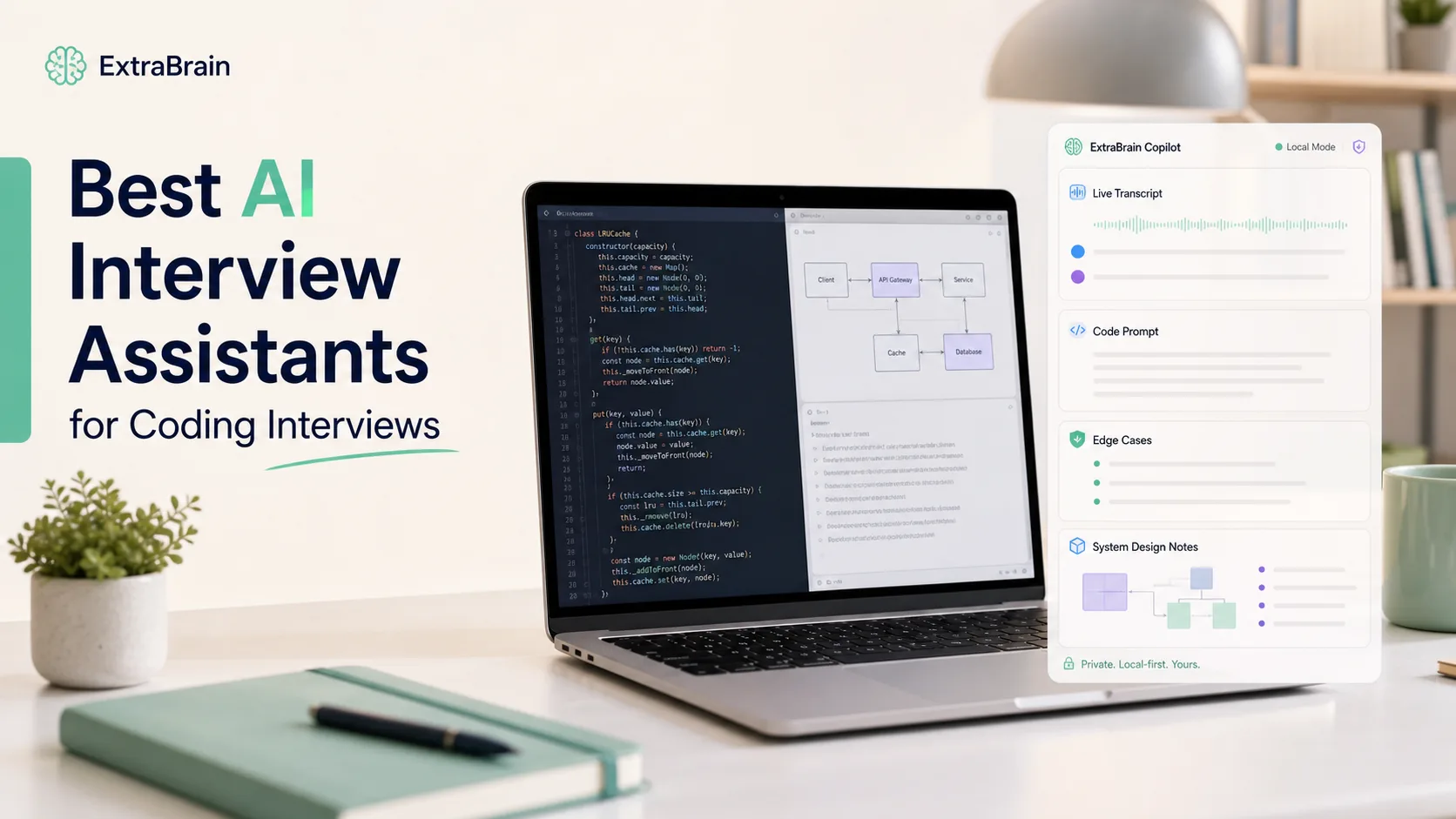
A practical comparison of AI interview assistants for coding interviews, including ExtraBrain, Interview Coder, Final Round AI, and others.
Coding interviews are not just LeetCode with a webcam turned on.
The hard part is usually the live part: hearing the prompt correctly, asking a useful clarifying question, holding constraints in memory, choosing a baseline, explaining tradeoffs, debugging under time pressure, and sounding like a person while your brain is busy balancing six branches of a decision tree.
That is why “AI interview assistant” has become such a crowded category. Some tools are built for mock interview practice. Some are real-time AI copilots that listen during live interviews. Some are coding-specific assistants. Some market themselves around invisibility. Some try to become a broader meeting copilot after the interview ends. If you are searching for a real-time AI interview assistant for coding interviews, those differences matter more than the brand names.
I compared the main coding-interview options from public product pages, pricing pages, demos, and workflow fit. This is not a fake “I secretly tested every paid plan in one weekend” review. ExtraBrain publishes this article, and ExtraBrain is included in the comparison. I am going to be direct about where it fits, where other tools may fit better, and where the category gets ethically messy.
If you only want the quick answer:
- Pick ExtraBrain if you want a local-first Mac AI interview and meeting copilot with live transcript context, screen-aware prompts, local/on-device options, bring-your-own AI providers, and a more responsible-use posture.
- Pick Interview Coder if you want a coding-specific tool that is explicitly positioned around stealth during technical interviews.
- Pick Final Round AI if you want a broad job-search and interview suite with mock interviews, live copilot features, and post-interview feedback.
- Pick LockedIn AI if you want an aggressive real-time interview assistant with coding support, editor integrations, and a strong live-answer orientation.
- Pick Linkjob AI if you want a live interview assistant that leans hard into free access, screenshots, and coding-test support.
- Pick Beyz AI if your biggest need is live communication support, real-time suggestions, cheat sheets, and general interview coaching.
How I Compared These AI Interview Assistants
For coding interviews, a useful AI assistant needs to do more than generate a polished answer.
I looked at seven criteria:
- Coding interview usefulness: Can it help with algorithms, system design, edge cases, complexity analysis, or coding-test environments?
- Real-time context quality: Does it understand live audio, transcript text, screenshots, or the current prompt?
- Setup friction: Can a candidate realistically get it working before a high-stakes interview?
- Privacy and data flow: Does interview content stay local, go to a vendor cloud, or depend on external providers?
- Screen-share behavior: Is the tool a normal visible workspace, a desktop overlay, or explicitly marketed as hidden?
- Pricing and free access: Can you try it without a huge commitment?
- Responsible-use posture: Does the product help you think and prepare, or mostly help you pass off generated answers as your own?
That last point matters. Interview policies vary by company, school, and platform. An AI tool can help you structure your thinking, capture notes, rehearse answers, and review missed edge cases. It can also cross a line if you use it to misrepresent skills you do not have. Treat this as a product comparison, not permission to ignore the rules of an interview.
Quick Comparison: Best AI Interview Assistants for Coding Interviews
| Tool | Best for | Coding interview fit | Real-time support | Privacy/data posture | Main tradeoff |
|---|---|---|---|---|---|
| ExtraBrain | Local-first Mac copilot for coding interviews and live context | Strong for prompts, edge cases, system design, transcript context, screenshots, and post-session review | Live transcript, screen-aware context, session memory, structured prompts | Local-first; supports local Parakeet transcription, local Gemma AI where installed and compatible, and BYO providers such as OpenAI, Anthropic, Claude, Codex, or compatible endpoints | Mac today; Windows and Linux are planned |
| Interview Coder | Coding-specific live interview assistance | Strong focus on technical interviews and coding rounds | Real-time audio and coding prompt support | Vendor-controlled app/service details; public page emphasizes undetectability more than data controls | Explicit stealth positioning creates policy and trust risk |
| Final Round AI | Broad interview suite | Good fit for candidates who also want mock interviews, resume support, reports, and live assistance | Real-time AI assistant plus mock interview and feedback workflows | Cloud product | Broader product can feel less coding-specialized than tools built only for technical rounds |
| LockedIn AI | Aggressive real-time live-answer tool | Strong coding-assistant claims, including algorithms, debugging, system design, VSCode, and Cursor | Live interview answers, code help, reports, and remote assist features | Cloud product with desktop and web workflows | Heavy live-answer and stealth framing may not match every candidate’s risk tolerance |
| Linkjob AI | Free/live coding interview assistant angle | Strong claims around screenshots, coding tests, and technical interviews | Real-time answers and screenshot analysis | Cloud/desktop product positioning; check current data handling before using | Marketing leans heavily into invisibility and detection claims |
| Beyz AI | Communication support and general interview coaching | Useful for coding interviews if you need explanation help, cheat sheets, and live prompts | Real-time suggestions, LeetCode assistant, cheat sheets, practice tools | Cloud/desktop product positioning; check privacy details before using | More general interview support than coding-only workflow |
1. ExtraBrain: Best Local-First Mac Copilot for Coding Interviews and Live Context
ExtraBrain is a free, local-first desktop AI interview and meeting copilot. It is available for Mac today, with Windows and Linux planned.
The reason ExtraBrain belongs in a coding-interview comparison is not that it promises magic answers. It is that coding interviews are live context problems. You need to keep track of what the interviewer said, what constraints were added, what examples were discussed, which edge cases are still unresolved, and what tradeoffs you already named.
ExtraBrain is designed around that kind of context.
It can help with:
- Capturing a live transcript while the interview is moving.
- Turning coding prompts into clarifying questions, baseline approaches, edge cases, complexity tradeoffs, and follow-up points.
- Using screen-aware context when you need the assistant to reason about what is on your screen.
- Saving useful facts during a session so you can refer back to constraints instead of relying only on memory.
- Creating summaries, action items, unresolved risks, and review notes after the call.
For engineers, the strongest angle is control. ExtraBrain supports local Parakeet transcription, local Gemma AI where installed and compatible, and bring-your-own provider setups for OpenAI, Anthropic, custom OpenAI-compatible endpoints, Claude Subscription, and Codex Subscription modes. In plain English: you can choose a more local workflow, or explicitly decide when to use external providers.
That is different from many real-time interview tools, where the product story is mostly “we generate live answers and stay hidden.” ExtraBrain’s product story is closer to: keep a private thinking layer on your Mac, make the data flow visible, and use AI to support your reasoning without pretending it replaces your skill.
Where ExtraBrain helps in coding interviews
Use it before a coding round to rehearse prompt interpretation. Use it during a session to keep the live transcript and constraints organized. Use it after the session to review what you missed: edge cases, unclear explanations, follow-up questions, or complexity claims that needed more precision.
It is especially useful for system design interviews, backend interviews, technical phone screens, and live coding sessions where the challenge is not only “write code” but “think out loud cleanly.”
What felt strong from the public positioning
ExtraBrain is unusually explicit about local-first control. The homepage states that local Gemma and local Parakeet can keep prompts and transcripts on your Mac, while also making clear that privacy depends on the setup and providers you choose. That is the right level of honesty for interview data, because transcripts, screenshots, and job-search notes are sensitive.
It also has a responsible-use posture baked into the site: follow the rules of the interview, employer, school, meeting, or platform. For this category, that sentence is not decorative. It is a trust signal.
Main tradeoff
ExtraBrain is a Mac app today. If you need Windows right now, you will need another option until Windows support ships.
Best-fit user
Choose ExtraBrain if you are an engineer, candidate, founder, student, or meeting-heavy operator who wants one private desktop workspace for interviews, coding prompts, system design discussions, live meetings, transcripts, screenshots, and follow-up review.
Start here:
2. Interview Coder: Best for Coding-Specific Stealth Positioning
Interview Coder is probably the most direct coding-interview specialist in this group. Its public homepage is built around technical interviews, real-time audio support, coding prompt support, and a long list of undetectability claims.
That makes the positioning very clear: if your search query is “AI coding interview assistant” and your main priority is a tool built specifically for technical interviews, Interview Coder is one of the obvious products to evaluate.
Where Interview Coder looks strongest
Interview Coder is strongest when the user wants a coding-first tool rather than a broader interview, meeting, or productivity assistant. Its page emphasizes:
- Technical-interview workflows.
- Real-time audio capture.
- Coding prompt support.
- Windows and Mac downloads.
- Undetectability features around screen sharing, dock/taskbar visibility, browser detection, and overlays.
That is a very different trust posture from ExtraBrain. Interview Coder appears to lead with “can the interviewer detect it?” ExtraBrain leads with “can I keep context, privacy, and responsible use under control?”
Main tradeoff
The same feature story that may attract some candidates can also be the risk. If an interview policy prohibits AI help, hidden assistance can become a serious trust problem. Even if a tool works technically, candidates still need to decide whether using it fits the rules of the interview and the relationship they want with the employer.
Best-fit user
Choose Interview Coder if you want a coding-specific assistant with explicit stealth positioning and you are comfortable evaluating the policy risk yourself.
3. Final Round AI: Best Broad Interview Suite
Final Round AI is less narrow than Interview Coder. It positions itself as an AI interview assistant used across the full interview process, including mock interviews, live interview support, resume and job context, and post-interview feedback.
For coding interviews, that broader suite can be useful if you are preparing for multiple rounds and want one platform for more than the live technical screen. A candidate preparing for behavioral interviews, recruiter calls, technical phone screens, and coding rounds may value the breadth.
Where Final Round AI looks strongest
Final Round AI is strongest for candidates who want a complete preparation environment:
- Mock interview practice.
- Resume and job-description context.
- Live interview support.
- Post-interview feedback and reports.
- A brand already associated with AI interview preparation.
If your main problem is not just “I need help with this coding prompt” but “I need structure across the entire interview funnel,” Final Round AI is worth evaluating.
Main tradeoff
Breadth can also mean less focus. If your exact need is screen-aware coding context inside a Mac desktop workflow, ExtraBrain may feel more direct. If your exact need is a coding-only stealth assistant, Interview Coder may feel more direct. Final Round AI fits best when the broader interview-prep suite is the point.
Best-fit user
Choose Final Round AI if you want a broad hosted interview suite and are less concerned with local-first architecture or bring-your-own provider control.
4. LockedIn AI: Best for Aggressive Real-Time Live Interview Assistance
LockedIn AI positions itself as an AI interview assistant and meeting copilot. Its public pages emphasize real-time answers, coding support, editor integrations, remote assist, reports, and a broader set of career tools.
For coding interviews, LockedIn AI is relevant because it explicitly talks about coding assistance: algorithms, debugging, system design, VSCode, Cursor, and live interview help.
Where LockedIn AI looks strongest
LockedIn AI looks strongest for candidates who want a high-intensity real-time assistant:
- Live answer support.
- Coding and debugging support.
- System design support.
- Editor-related workflows.
- Interview reports.
- Additional career tools such as resume or job-search workflows.
This is a more aggressive live-assistance product story than ExtraBrain’s. It may fit users who want the assistant to do more of the live answer generation work.
Main tradeoff
LockedIn AI’s broader platform and live-answer framing may be more than some candidates want. If your goal is a private Mac context layer that supports your reasoning without turning every answer into a generated script, ExtraBrain is the cleaner fit.
Best-fit user
Choose LockedIn AI if you want aggressive real-time interview help, coding-support claims, and a broader career-tool bundle.
5. Linkjob AI: Best for Free/Live Screenshot-Oriented Coding Help
Linkjob AI markets itself as a real-time AI interview assistant with live answers, screenshot analysis, coding interview support, and detection-focused language.
For coding interviews, the most relevant part is the screenshot and coding-test angle. In many technical interviews, the important context is not only what the interviewer says but what appears in the browser: problem statement, examples, starter code, test failures, or hidden constraints.
Where Linkjob AI looks strongest
Linkjob AI looks strongest when a candidate wants:
- A live interview assistant.
- Screenshot-based analysis.
- Coding-test support.
- A free-access angle.
- Real-time answer generation.
That makes it a strong search competitor for queries like “free AI interview assistant,” “AI interview assistant coding test,” and “AI interview assistant with screenshots.”
Main tradeoff
Linkjob’s public positioning leans heavily into invisibility, detection, and real-time answer help. That may be exactly what some users are searching for, but it also makes responsible-use boundaries more important. If you want a more privacy-controlled desktop assistant with a clear local-first posture, ExtraBrain is the more conservative choice.
Best-fit user
Choose Linkjob AI if you specifically want free/live screenshot-oriented coding interview assistance and are comfortable checking its current data handling, pricing, and policy fit yourself.
6. Beyz AI: Best for Communication Support and General Interview Coaching
Beyz AI describes itself as an AI interview assistant with real-time suggestions, communication support, LeetCode assistance, cheat sheets, practice tools, and broad interview coaching.
It is not as coding-only in its public positioning as Interview Coder, but it still belongs in a coding-interview comparison because many coding interviews are communication tests as much as code tests. Explaining an approach clearly, asking a better clarifying question, or recovering from a confusing follow-up can matter as much as writing the final function.
Where Beyz AI looks strongest
Beyz AI looks strongest for candidates who want:
- Real-time communication suggestions.
- Cheat sheets.
- Practice workflows.
- LeetCode-style support.
- A general interview assistant that can help with more than code.
That can be useful for candidates who know the algorithms but struggle to explain decisions under pressure.
Main tradeoff
Beyz AI is broader than a coding-only assistant and appears more vendor-managed than ExtraBrain’s bring-your-own-provider model. If local-first posture, explicit data-flow choice, and Mac desktop context are your priorities, ExtraBrain is the more controlled workflow.
Best-fit user
Choose Beyz AI if you want real-time communication support, cheat sheets, and a general interview coaching workflow that can also help with technical rounds.
Best Choice by Coding-Interview Workflow
Here is the simplest way to choose.
| Workflow | Best fit | Why |
|---|---|---|
| Local-first Mac coding interview copilot | ExtraBrain | Live transcript, screen context, local/on-device options, BYO providers, and post-session review |
| Coding-specific stealth assistant | Interview Coder | Built around technical interviews and undetectability positioning |
| Full interview-prep suite | Final Round AI | Mock interviews, live support, resume/job context, and feedback workflows |
| Aggressive live answer support | LockedIn AI | Strong real-time assistant and coding-support positioning |
| Free/live screenshot-oriented assistance | Linkjob AI | Screenshot analysis and coding-test support are central to the pitch |
| Communication coaching during interviews | Beyz AI | Real-time suggestions, cheat sheets, and general interview support |
What AI Interview Assistants Can and Cannot Safely Do
AI interview assistants can be genuinely helpful when they reduce cognitive load. They can transcribe a question, help you remember constraints, turn a vague prompt into clarifying questions, suggest an answer outline, and help you review weak explanations after the call.
They become risky when they encourage you to misrepresent your ability, hide prohibited help, or pass off generated work as your own.
For coding interviews, the responsible line is especially important. A coding round is often designed to evaluate your reasoning, debugging, and communication. If a tool helps you keep the prompt organized, that is one thing. If a tool secretly solves the entire prompt while you pretend the reasoning is yours, many interviewers would see that very differently.
Before using any AI assistant live, check the rules for the company, school, assessment platform, and interview format. If the rules are unclear, use AI for practice and debriefing instead of live answer generation.
Final Recommendation
If I were choosing one AI interview assistant specifically for coding interviews, I would start by asking what problem I actually have.
If the problem is live technical context, privacy, and post-session learning on Mac, I would choose ExtraBrain.
If the problem is a coding-only stealth workflow, I would evaluate Interview Coder carefully.
If the problem is a full interview-prep suite, I would look at Final Round AI.
If the problem is aggressive real-time answers and coding support, I would compare LockedIn AI.
If the problem is free/live screenshot-oriented assistance, Linkjob AI belongs on the shortlist.
If the problem is communication support and cheat-sheet style coaching, Beyz AI is relevant.
The most important point is this: the best AI interview assistant for coding interviews is not the one with the loudest promise. It is the one whose workflow matches your interview rules, your operating system, your privacy tolerance, your actual weakness, and the kind of engineer you want to become.