
Getting Started
Start here if you are setting up ExtraBrain for the first time on macOS. The focused guides below cover the shortest path from launch to a successful live session.
Key Takeaways
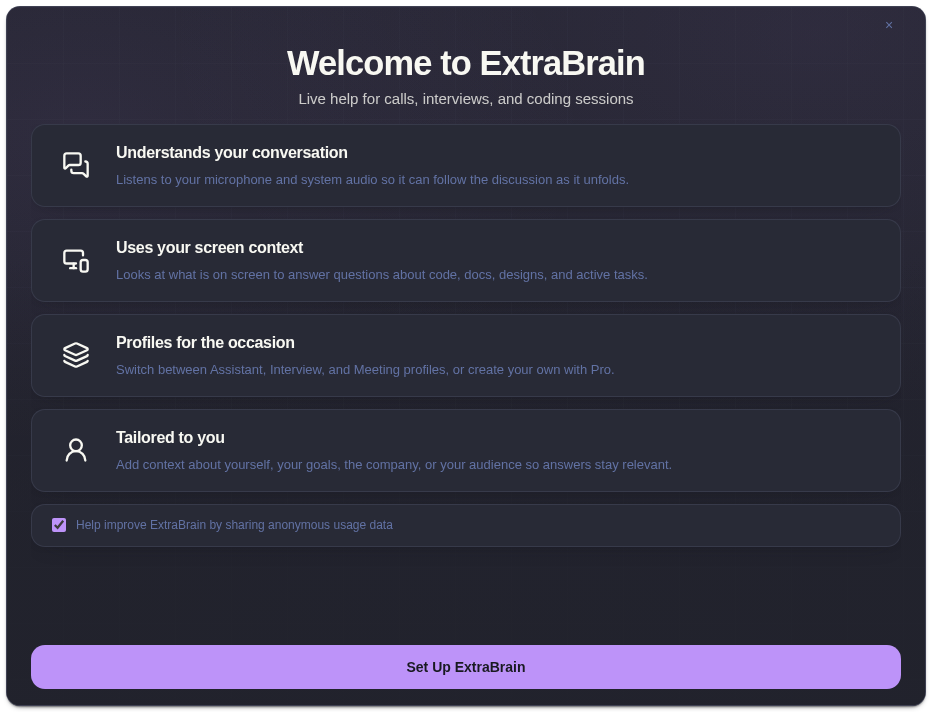
Section titled “Key Takeaways”Getting started with ExtraBrain is a 6-step macOS setup flow: launch the app, grant permissions, choose transcription, connect an AI provider, review privacy controls, and run one short rehearsal.
-
ExtraBrain is available for Mac today, including Apple Silicon and Intel Macs.
-
Local Parakeet transcription keeps the transcription path local; Deepgram is optional.
-
Provider setup can use OpenAI, Anthropic, Claude Subscription, Codex Subscription, or a custom OpenAI-compatible endpoint.
-
A first rehearsal should test recording, screenshots, transcription, and one analysis before a real interview or meeting.
Recommended Setup Order
Section titled “Recommended Setup Order”- Read the product overview if you are new to ExtraBrain.
- Complete onboarding.
- Grant microphone, screen recording, and system audio permissions.
- Choose Local Parakeet or Deepgram transcription.
- Connect the AI provider you want ExtraBrain to use for analysis.
- Run a short test session before a real interview or meeting.
Getting Started Questions
Section titled “Getting Started Questions”What is the fastest way to start using ExtraBrain?
Section titled “What is the fastest way to start using ExtraBrain?”Complete onboarding, choose Local Parakeet transcription, connect one AI provider, then test recording and analysis with a short non-sensitive session.
What should I configure before a live interview or meeting?
Section titled “What should I configure before a live interview or meeting?”Confirm permissions, microphone behavior, transcription provider, AI provider validation, screenshot capture, and the privacy controls you plan to use.