
ExtraBrain Blog
A Better Interview Coder Alternative for Coding Interview Copilot Workflows

ExtraBrain is a practical Interview Coder alternative for Mac users who want a free, local-first coding interview copilot with live context.
If you are comparing Interview Coder alternatives before a technical round, you probably care about three things. You need help understanding the prompt quickly. You need a way to reason through code, edge cases, and follow-up questions while the conversation is still moving. You also need clear privacy and workflow controls so the tool does not create more risk than it solves.
That is the gap ExtraBrain is built to fill. ExtraBrain is a free, local-first desktop AI interview assistant and meeting copilot for Mac. It combines live transcription, screen-aware context, local-first options, bring-your-own AI providers, and session review so you can use one workspace before, during, and after a technical interview.
This article compares ExtraBrain with the kind of coding interview copilot experience people usually look for when considering Interview Coder. The goal is not to encourage rule-breaking. You should use any AI interview assistant only where interview, employer, school, workplace, and platform rules allow AI assistance, transcription, screenshots, or notes.
Why candidates look for an Interview Coder alternative
Interview Coder is usually considered by candidates who want real-time help during live coding interviews. The common use case is simple: a problem appears in CoderPad, HackerRank, CodeSignal, a shared editor, or a video call, and the candidate wants an AI copilot to help interpret the prompt and structure a solution.
That can be useful, but coding interviews are not just about producing code. A strong interview performance also depends on how clearly you think aloud, how you ask clarifying questions, how you explain tradeoffs, and how you respond when the interviewer changes constraints.
That is why many candidates eventually look beyond a narrow code-answer tool. They want an interview copilot that supports the whole session, including live transcript context, screen context, technical explanation, and post-interview review.
ExtraBrain is a strong fit for that broader workflow because it is designed as a Mac desktop AI interview assistant and meeting copilot, not just a single-purpose answer box.
Quick verdict: ExtraBrain vs Interview Coder
ExtraBrain is a better Interview Coder alternative for Mac users who want a free core app, local-first privacy options, provider control, screen-aware context, and support for more than coding prompts.
Interview Coder may appeal to people who want a very focused coding interview tool. ExtraBrain is better if you want one assistant for coding interviews, system design interviews, behavioral rounds, product interviews, meetings, lectures, and research calls.
Here is the practical difference:
| Category | ExtraBrain | Interview Coder style workflow |
|---|---|---|
| Main use case | Desktop AI interview and meeting copilot | Coding interview assistance |
| Platform | macOS today, including Apple Silicon and Intel Macs | Check current platform support before relying on it |
| Pricing posture | Free core Mac app, with optional Pro plans | Pricing can change, so verify before purchase |
| Transcription | Local NVIDIA Parakeet and optional Deepgram | Depends on the product configuration |
| AI providers | Local Gemma 4 where installed and compatible, Anthropic, OpenAI, custom OpenAI-compatible endpoints, Claude Subscription, and Codex Subscription | Often less transparent to the user |
| Screen context | Screen-aware context for live sessions | Usually centered on prompt capture and answer generation |
| Privacy controls | Local-first posture available with local Parakeet plus local Gemma 4 where compatible | Evaluate carefully before sharing sensitive interview data |
| Best for | Candidates who want a flexible, privacy-aware copilot for multiple interview formats | Candidates who only want narrow coding prompt help |
Real-time coding support should help you explain, not just paste code
A coding interview copilot is most useful when it helps you reason. If it only generates a final solution, you still have to explain why the approach works, where it fails, and how it changes under follow-up constraints.
ExtraBrain can help generate answer outlines, technical explanations, follow-up questions, and implementation plans from live transcript and screen context. For coding interviews, that means you can use it to organize the conversation around the parts interviewers actually evaluate.
A useful coding answer usually includes:
- A short restatement of the problem.
- Clarifying questions about input size, ordering, duplicates, or failure modes.
- A baseline approach and why it may be too slow.
- The optimized approach and its data structures.
- Complexity analysis.
- Edge cases.
- A clean implementation plan.
- A verbal explanation while coding.
- A test plan.
- Follow-up tradeoffs.
That structure matters more than a mysterious black-box answer. ExtraBrain is designed to support this kind of thinking-aloud workflow so the candidate remains in control of the explanation.
Screen-aware context is the key coding interview feature
Live coding interviews often include information spread across multiple places. The prompt may be in a browser tab. The starter code may be in an editor. The interviewer may add constraints verbally. A hidden test failure may appear in the console.
A useful AI interview copilot should understand more than one isolated text snippet. ExtraBrain uses live transcription and screen-aware context to help the assistant respond to what is happening in the actual session.
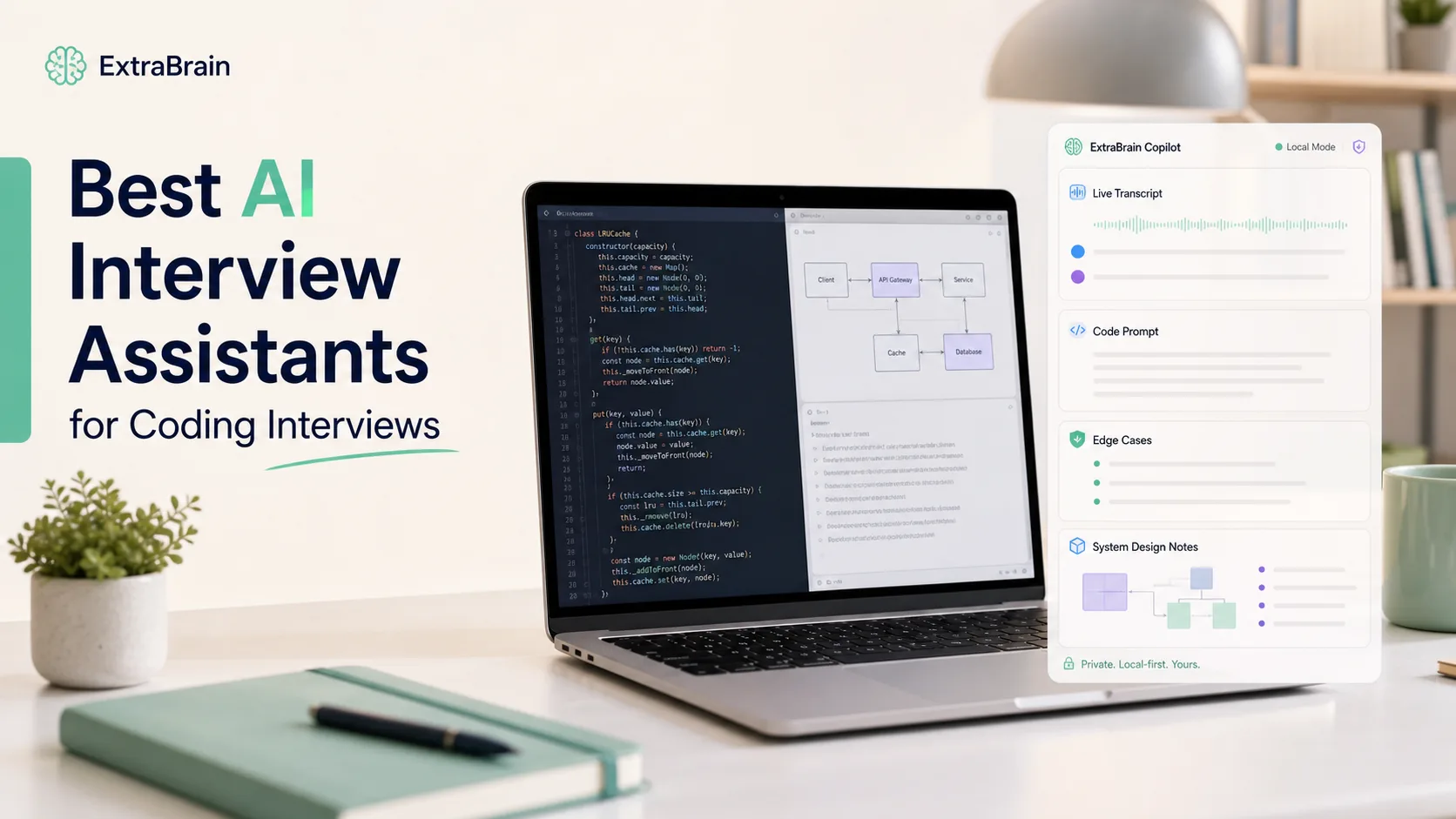
For example, if you are solving an LRU cache prompt, the useful context may include:
- The problem statement on screen.
- The function signature in the editor.
- The language you are using.
- The interviewer asking whether operations must be constant time.
- A failed test showing an eviction-order bug.
- Your own earlier explanation about using a hashmap and doubly linked list.
ExtraBrain is built for this kind of multi-source context. That makes it more useful than tools that only focus on one screenshot or one generated answer.

Privacy matters when interview data is sensitive
Coding interviews can include sensitive information. You may discuss your work history, company names, compensation expectations, personal projects, or proprietary examples from past roles. You may also see private hiring platform content or employer-owned prompts.
That is why privacy should be a core buying criterion, not an afterthought. ExtraBrain is local-first by design. With local Parakeet transcription plus local Gemma 4 on-device AI where installed and compatible, transcription and AI prompts can stay local.
That local-only posture depends on your configuration and hardware. If you choose an external provider, prompts, transcript text, screenshots, audio, or context may leave your device depending on the provider and settings.
This is different from treating every AI interview tool as a magic overlay. A serious interview copilot should make the data flow understandable so you know when information stays on your Mac and when it is sent to a provider you selected.
Bring-your-own provider control is better than a mystery model
A common frustration with interview AI tools is that you do not always know which model is answering. That can make it hard to predict quality, latency, cost, and privacy behavior.
ExtraBrain gives users provider control. It supports local Gemma 4 where installed and compatible, Anthropic, OpenAI, custom OpenAI-compatible endpoints, Claude Subscription, and Codex Subscription.
That flexibility matters because different interviews need different strengths. A coding round may benefit from a model that is strong at implementation and debugging. A system design round may need better architecture reasoning. A behavioral round may need crisp STAR-style structure and memory of your own experience.
You should not have to use the same opaque model for every situation. ExtraBrain lets you build a workflow around the providers you already trust and understand.
Comparing live interview workflow
Before the interview
A good Interview Coder alternative should help before the call starts. Preparation is where you can safely organize your stories, role context, target company notes, and likely technical topics without the pressure of a live interviewer.
With ExtraBrain, you can prepare the way you want to perform. You can review the role, define the kind of guidance you want, and practice explaining solutions out loud. You can also use it as a focused second-brain-style workspace for interviews and meetings, with transcripts, notes, screen context, and review.
For a coding interview, that preparation might include:
- Practicing how to restate prompts clearly.
- Rehearsing complexity explanations.
- Preparing questions for ambiguous requirements.
- Reviewing common data structure tradeoffs.
- Writing down examples from real projects.
- Setting up the provider and transcription configuration you are allowed to use.
The best live assistant is not the one that replaces preparation. It is the one that makes your preparation available when the conversation gets fast.
During the interview
During the live session, the assistant should reduce cognitive load. It should not force you to constantly manage buttons, windows, prompts, or manual context capture.
ExtraBrain is designed around live transcription and screen-aware context so the assistant can follow the session as it develops. For a coding interview, that means it can help you frame responses such as:
- “I would start by clarifying whether the input is sorted.”
- “The brute-force approach is O(n²), but we can reduce this with a hashmap.”
- “This edge case fails because the cache update order is wrong.”
- “The interviewer is asking about concurrency, so discuss locking and race conditions.”
- “Explain why this data structure gives O(1) lookup and update.”
The point is not to outsource the interview. The point is to keep your reasoning organized while you remain responsible for honest and allowed use.
After the interview
Post-interview review is one of the most underrated parts of using an AI interview assistant. If you only use a tool during the live call, you miss the chance to learn from the transcript.
ExtraBrain can support a review workflow after the session. You can look back at what was asked, where your answer was strong, where you hesitated, and what follow-up topics you should study next.
That makes it useful even when AI assistance is not allowed during the live interview. You can still use ExtraBrain for preparation, mock practice, notes, and debriefing where permitted.
Stealth, screen sharing, and responsible use
Many people searching for an Interview Coder alternative care about whether an AI overlay appears during screen sharing. That is understandable from a workflow perspective, especially when you are using a desktop assistant for private notes, reminders, or allowed coaching.
ExtraBrain is designed to stay hidden from screen sharing and screen recording on major meeting tools. However, that does not mean you should use it to violate interview rules.
The responsible standard is simple. Use ExtraBrain only where AI assistance, transcription, screenshots, or notes are allowed by the interviewer, employer, school, workplace, meeting host, and platform.
If you are unsure, ask for permission or limit your use to preparation and post-interview review. A tool can be technically capable and still be inappropriate in a specific hiring process.
Pricing: why free core access matters
Price is one reason candidates compare Interview Coder alternatives. Some interview tools require a significant payment before you know whether the workflow fits your actual interview setup. That can be risky when your technical rounds may happen across different platforms, formats, and timelines.
ExtraBrain uses a more accessible model. The core Mac app is free. ExtraBrain Pro is $9.99 per month $79 per year, or $149 Lifetime launch pricing. External AI and transcription provider usage is billed separately by the providers you choose.
That matters because you can evaluate the core workflow before building a paid setup around it. You can also decide whether local options, external providers, or Pro features make sense for your interviews.
Feature-by-feature comparison
Live transcription
ExtraBrain supports live transcription for interview and meeting context. It offers local NVIDIA Parakeet and optional Deepgram.
For interviews, transcription is important because many follow-up questions are verbal. A coding prompt on screen only tells part of the story. The interviewer often clarifies constraints, changes requirements, or hints at performance expectations out loud.
Screenshot and screen context
A coding interview copilot should understand what is on screen. ExtraBrain is screen-aware, which helps it respond to prompts, code, diagrams, error messages, and written requirements.
This is useful beyond algorithm rounds. It also helps in system design interviews, product case interviews, debugging interviews, and meetings where visual context matters.
Custom guidance
Different candidates need different styles of help. A junior engineer may want more explanation of fundamentals. A senior engineer may want concise reminders about tradeoffs, scaling risks, or communication structure.
ExtraBrain supports custom profiles and guidance so the assistant can adapt to your session style. That is especially useful when switching between coding, system design, behavioral, and product interviews.
Session history and review
A useful interview assistant should not disappear the moment the call ends. ExtraBrain is designed around live sessions, transcripts, notes, screen context, and review.
That gives you a feedback loop. You can identify weak explanations, missing edge cases, and recurring interview patterns before the next round.
Multi-use value
Interview Coder alternatives are often judged only by coding help. That is too narrow for most job searches.
A real hiring loop may include recruiter screens, technical phone screens, system design rounds, behavioral loops, hiring manager conversations, and negotiation calls. ExtraBrain supports coding interviews, system design interviews, behavioral interviews, product interviews, customer calls, lectures, and research meetings.
That makes it more useful as a long-term desktop copilot rather than a one-off coding tool.
When Interview Coder may still be enough
Interview Coder may be enough if you only want a narrow tool for coding prompt assistance and you have already verified that it works with your platform, device, meeting software, and rules.
You should still test any interview tool before relying on it. Run a mock call. Share your screen to a second device. Check how the app behaves with your exact meeting tool, browser, editor, and coding platform. Confirm whether the use of AI assistance is allowed.
If the tool creates distraction, uncertainty, or policy risk, it is not helping.
When ExtraBrain is the better choice
ExtraBrain is the better choice if you want a coding interview copilot that also supports the rest of the interview process.
Choose ExtraBrain if you want:
- A free core Mac desktop app.
- Local-first options for privacy-conscious workflows.
- Live transcription from local Parakeet or optional Deepgram.
- Screen-aware context for prompts, code, diagrams, and errors.
- Bring-your-own provider control.
- Local Gemma 4 on-device AI where installed and compatible.
- Support for coding, system design, behavioral, product, and meeting workflows.
- A way to review sessions after the interview.
- Clearer control over what stays local and what may go to external providers.
That combination makes ExtraBrain a practical Interview Coder alternative for candidates who care about both performance and control.
Practical setup checklist before a coding interview
Before using any AI interview assistant in a live coding round, walk through this checklist.
- Confirm whether AI assistance, transcription, screenshots, or notes are allowed.
- Install and test the app before the interview day.
- Choose your transcription setup.
- Choose your AI provider or local model configuration.
- Run a mock call using the same meeting platform.
- Test screen sharing from a second device.
- Practice explaining an answer without copying from the assistant.
- Prepare a few allowed notes about your projects and interview goals.
- Review how prompts, audio, transcripts, and screenshots are handled.
- Decide whether to use ExtraBrain live, only for prep, or only for debriefing.
This checklist keeps the focus where it belongs: clear thinking, responsible use, and a workflow you can trust.
FAQ
What is the best Interview Coder alternative for Mac?
ExtraBrain is a strong Interview Coder alternative for Mac users who want a free core desktop app, live transcription, screen-aware context, local-first options, and bring-your-own AI provider control.
Can ExtraBrain help in coding interviews?
Yes. ExtraBrain can help generate implementation plans, answer outlines, technical explanations, edge-case reminders, and follow-up questions from live transcript and screen context. Candidates remain responsible for using it only where allowed.
Is ExtraBrain only for coding interviews?
No. ExtraBrain also supports system design interviews, behavioral interviews, product interviews, customer calls, lectures, meetings, and research conversations.
Can ExtraBrain run fully local?
A fully local ExtraBrain posture requires local Parakeet transcription plus local Gemma 4 on-device AI where installed and compatible, with no external provider requests. External providers may receive selected prompts, transcript text, screenshots, audio, or context depending on configuration.
What platforms does ExtraBrain support?
ExtraBrain is available for macOS today, including Apple Silicon and Intel Macs. Windows and Linux are planned future platforms.
Is ExtraBrain free?
The core ExtraBrain Mac app is free. ExtraBrain Pro is available at $9.99 per month, $79 per year, or $149 Lifetime launch pricing. External AI and transcription provider usage is billed separately by the providers users choose.
Should I use an AI interview copilot during a live interview?
Use an AI interview copilot only when the rules allow it. If the interviewer, employer, school, workplace, meeting host, or platform does not allow AI assistance, transcription, screenshots, or notes, use ExtraBrain for preparation and post-interview review instead.
Bottom line
Interview Coder helped define demand for real-time coding interview copilots, but many candidates now need more than a narrow coding assistant. They need live context, screen awareness, provider choice, privacy controls, and a workflow that supports the full hiring loop.
ExtraBrain is built for that broader need. For Mac users who want a free, local-first AI interview assistant and meeting copilot, ExtraBrain is one of the most practical Interview Coder alternatives to try first.