
ExtraBrain Blog
Proctorio Interview AI Help in 2026 Without Risking Disqualification

A practical Proctorio interview guide covering proctoring risks, AI help, responsible ExtraBrain use, and safer interview preparation.
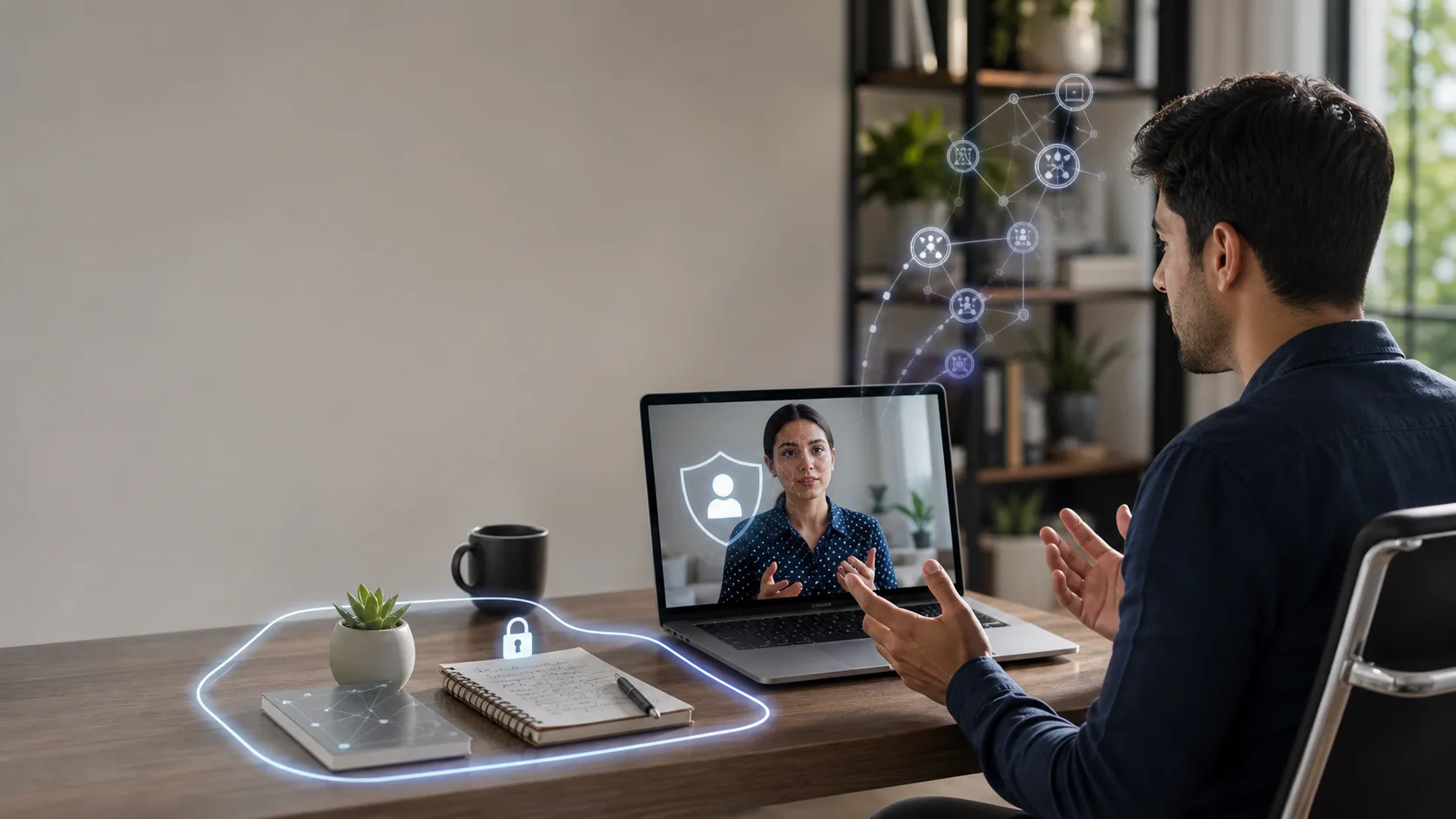
Candidates search for how to cheat in interview on Proctorio because the format feels intimidating. Proctorio is best known for online exams, but similar proctoring workflows can appear in hiring assessments, school interviews, certification screens, and remote technical evaluations. The pressure is real when a camera is on, the browser is restricted, the timer is running, and every pause feels like it could be judged.
The wrong lesson is that you should look for a hidden workaround. The better lesson is that you should understand what Proctorio-style monitoring can notice, what behaviors create avoidable risk, and how to use AI only where the employer, school, workplace, interviewer, and platform rules allow it.
ExtraBrain is a free, local-first desktop AI interview assistant and meeting copilot for Mac. It supports live transcription, screen-aware context, local Gemma 4 on-device AI where installed and compatible, bring-your-own AI providers, and privacy controls. For interviews and assessments, ExtraBrain should be used responsibly for preparation, allowed live support, note review, mock interviews, and post-session learning.
What Proctorio Changes About an Interview
Most remote interviews are conversational. A Proctorio-style environment adds assessment integrity controls on top of that conversation. Depending on the configuration, the experience may include webcam access, identity verification, screen recording, browser restrictions, clipboard limits, tab-change detection, audio review, and post-session reports.
That does not mean every Proctorio session uses every possible setting. It does mean candidates should assume the assessment owner may review a combination of technical signals and human behavior.
The practical signal groups are simple.
- Online proctoring can record or flag candidate behavior during the session.
- Lockdown controls can restrict browser, screen, clipboard, and navigation behavior.
- Identity verification can check whether the right person is present.
- Originality and review systems can compare submitted answers, code, writing style, timing, and context.
If AI assistance is forbidden, do not use AI during the live assessment. If AI assistance, notes, transcription, screenshots, or external tools are allowed, use them transparently within the stated limits.
How Proctorio-Style Monitoring May Detect Problems
Proctoring is not one single detector. It is a layered review process. Some signals are collected by the browser, some by the webcam, some by the operating environment, and some by the assessment owner after the session.
Online proctoring
Online proctoring often focuses on whether the candidate behaves like one person completing one assessment in a consistent environment. A session may record webcam video, screen activity, audio, browser events, or periodic snapshots. Those records can later be reviewed automatically or by a human.
Common red flags include another person entering the frame, repeated looking away, long unexplained silence, background voices, sudden changes in answer quality, and answers that do not match the candidate’s later explanation.
ExtraBrain can help in permitted contexts by reducing panic and improving structure. For example, it can help you practice answering aloud, review transcripts from mock sessions, outline STAR answers, and compare technical tradeoffs. It should not be used to impersonate your reasoning during a closed-book or no-assistance assessment.
Lockdown controls
Lockdown settings are meant to keep the assessment inside the approved environment. They may discourage or block tab switching, copy and paste, external browsing, right-click menus, printing, downloads, screen sharing changes, virtual machines, or other suspicious behavior.
Trying to fight a lockdown environment is usually a bad strategy. It can create technical failures, terminate the session, or leave a review trail that is harder to explain than a wrong answer.
A better approach is to prepare your computer before the assessment. Restart the machine, close unrelated apps, disable notifications, remove private tabs, test camera and microphone permissions, and keep only approved materials nearby.
If the assessment owner allows notes or AI support, keep the workflow simple and within those rules. If the rules are silent, assume conservative use and ask the recruiter or administrator before the assessment window opens.
Screen sharing and screen recording
Many remote interviews ask candidates to share a full screen or a specific application window. Screen sharing is powerful because it gives the interviewer direct visibility into visible apps, browser tabs, notes, messages, and desktop clutter. Screen recording can preserve that visibility for later review.
ExtraBrain is designed to stay hidden from screen sharing and screen recording on major meeting tools. That design is useful for privacy and focus in allowed settings, but it is not permission to ignore interview or assessment rules. If the session forbids AI tools, transcription, screenshots, or outside notes, follow that requirement.
The professional habit is to keep the workspace clean either way. Share only what you are asked to share, keep notifications off, and avoid unexplained app switching.
Browser detection
Browser-based assessment systems can often see browser events better than desktop events. They may notice when the test tab loses focus, when full-screen mode changes, when paste events occur, or when the candidate attempts restricted actions.
Do not assume that a desktop tool makes rule-breaking invisible. Even when a browser cannot inspect every app on your computer, the overall session can still reveal mismatched behavior, strange timing, audio cues, or answer inconsistency.
Use AI as a preparation and allowed-assistance tool, not as a way to create a gap between what you know and what you submit.
Identity verification
Identity checks are usually straightforward. The assessment owner wants the same person who applied to complete the session. That can involve a webcam check, face capture, ID photo, room scan, two-factor authentication, or periodic snapshots.
Prepare for this instead of improvising. Use the legal name expected by the assessment owner, have your ID ready if required, sit in good lighting, keep your face visible, and make sure nobody else enters the room.
This is also where AI-generated impersonation becomes especially risky. If the answers sound unlike your background or you cannot explain them afterward, identity verification is no longer the only issue. The reviewer may question whether the work represents you.
A Responsible ExtraBrain Workflow for Proctorio Interviews
The safest workflow begins before the real assessment. Treat ExtraBrain like a practice coach, transcript reviewer, and answer-structure assistant. Do not treat it like a hidden substitute for your own thinking.
1. Read the rules first
Before using any tool, read the recruiter email, assessment instructions, school policy, platform notices, and meeting invitation. Look for language about AI, outside help, notes, search engines, screenshots, screen recording, transcription, and browser extensions.
If the policy allows AI during a live interview, stay inside the allowed scope. If the policy allows AI only for preparation, use it before the session and close it during the session. If the policy forbids outside assistance, do not use outside assistance.
2. Practice with the same constraints
A good mock session should feel like the real session. Use the same laptop, camera, microphone, desk, lighting, and timing. Close the same apps you will close for the real assessment. Use only the resources that the real rules allow.
ExtraBrain can help you run realistic practice by turning your transcript and screen context into feedback. For coding interviews, practice reading the prompt, restating requirements, naming edge cases, writing code incrementally, and explaining complexity. For behavioral interviews, practice concise STAR stories that use real details from your experience. For system design interviews, practice clarifying requirements before jumping into architecture.
3. Use live transcription to improve listening
Live transcription is useful because candidates often miss details under pressure. In allowed settings, ExtraBrain can help you track the exact wording of a question, capture follow-up constraints, and avoid answering the wrong problem.
The best use is not to read a generated paragraph. The best use is to confirm what was asked, organize your response, and speak naturally.
For example, if an interviewer asks about a production outage, a useful outline might include the incident context, customer impact, diagnosis, fix, communication, and prevention. You still need to provide the real story and own the tradeoffs.
4. Use screen-aware context for practice and permitted support
Screen-aware context can help when the prompt is visible on your screen. During practice, this is helpful for coding tasks, system design diagrams, product case prompts, and debugging exercises.
In an allowed live setting, screen context can help you identify edge cases, summarize requirements, and prepare clarifying questions. In a closed assessment, do not use screen capture or AI assistance unless the rules explicitly permit it.
5. Prepare resume and project context before the session
A common failure mode in AI-assisted interviews is generic output. Generic answers sound polished but detached from the candidate’s actual career.
Before a mock interview, use ExtraBrain to review your resume, portfolio, projects, and likely role requirements. Turn each major project into a short memory card with the problem, your role, constraints, decisions, measurable outcome, and lessons learned.
This helps you answer with real evidence instead of vague claims. It also makes follow-up questions easier because the examples are yours.
What Not to Do in a Proctorio Interview or Assessment
Most risky tactics create visible side effects. They also weaken your ability to handle follow-up questions.
Do not paste full AI answers
Large pasted answers can be restricted, logged, or obvious from timing. They can also sound different from your normal voice.
For coding, a pasted solution that you cannot explain is especially risky. Interviewers can ask why you chose a data structure, what the complexity is, which edge case fails, or how you would test it.
Do not rely on a second device
Phones, tablets, smartwatches, and off-camera screens can create gaze shifts, reflections, desk movement, and awkward pauses. They can also violate the rules directly.
Remove unapproved devices from the room before the session starts. That reduces false flags and makes it easier to focus.
Do not use remote helpers
A remote helper introduces timing problems, audio risks, and answer ownership problems. If someone else solves the task, you will struggle to explain the answer later.
Employers hire the person who can reason under the actual job conditions. Delegating the assessment gives them the wrong signal and gives you no durable skill.
Do not fight the browser environment
Virtual machines, remote desktop tools, automation scripts, suspicious extensions, and process manipulation can break the session or trigger review. Even if a workaround seems clever, it is usually fragile.
The robust path is to prepare well, understand the rules, and keep the test environment clean.
How to Sound Natural When AI Help Is Allowed
Allowed AI support still requires practice. The goal is to use short prompts and structured reminders, not to read a script.
Avoid behavioral red flags
Several behaviors can make even legitimate use look suspicious.
| Red flag | Better behavior |
|---|---|
| Long silence after every question | Pause briefly, then restate the question or ask a clarifying question. |
| Polished paragraphs with no hesitation | Use your own words and include real tradeoffs. |
| Sudden style changes | Keep the same tone you use in normal conversation. |
| Looking away repeatedly | Keep notes or allowed tools in a stable, natural position. |
| Typing without explanation | Narrate what you are doing during technical work. |
| Perfect code with no reasoning | Explain the plan, edge cases, and tests as you build. |
Natural delivery is not about acting. It is about understanding the answer well enough that you can discuss it.
Practice converting prompts into your own answer
Use this pattern in mock sessions.
- Restate the question in one sentence.
- Ask for missing constraints if needed.
- Give a high-level plan.
- Explain the first concrete step.
- Name a tradeoff or failure mode.
- Invite the interviewer to steer the depth.
This rhythm works for coding, system design, behavioral, product, and case-style interviews. It also keeps you from sounding like you are reading hidden text.
Review the session afterward
After a mock interview or permitted live session, review what happened. ExtraBrain can help you revisit transcripts, notes, screen context, and answer outlines.
Look for the moments where you hesitated, missed a constraint, overexplained, skipped a tradeoff, or used language that sounded too generic. Then rewrite the answer in your own voice and practice it again.
Privacy and Provider Settings Matter
ExtraBrain is local-first, but your actual data flow depends on your configuration. A fully local ExtraBrain posture requires local Parakeet transcription plus local Gemma 4 on-device AI where installed and compatible, with no external provider requests. External providers may receive selected prompts, transcript text, screenshots, audio, or context depending on configuration.
Before using any interview or meeting tool, decide what privacy posture you need. Review transcription settings, provider settings, screenshot behavior, and what the session owner permits.
ExtraBrain supports bring-your-own providers, including Anthropic, OpenAI, custom OpenAI-compatible endpoints, Claude Subscription, and Codex Subscription. The core Mac app is free, and Windows and Linux are planned future platforms.

Proctorio Interview Checklist
Use this checklist before any Proctorio-style interview or assessment.
- Confirm whether AI assistance, notes, transcription, screenshots, and external tools are allowed.
- Restart your computer and close unrelated apps.
- Disable notifications.
- Test camera, microphone, browser permissions, and network stability.
- Remove unapproved devices from the room.
- Prepare allowed materials only.
- Practice with the same timing and environment.
- Keep answers grounded in your actual resume and project history.
- Speak your reasoning aloud during technical work.
- Review your mock-session transcript and fix weak explanations before the real session.
FAQ
Can ExtraBrain listen and watch at the same time?
ExtraBrain can combine live transcription with screen-aware context in supported workflows. That can be useful for mock interviews, meetings, coding practice, system design preparation, and allowed live assistance. Use those capabilities only where the rules allow transcription, screenshots, notes, or AI support.
What if the question spans multiple pages on my screen?
During practice or an allowed session, screen-aware context can help you work through visible requirements. For long prompts, summarize each part, identify the actual task, and ask clarifying questions before solving. During a closed assessment, do not capture or send screenshots unless the rules permit it.
Can ExtraBrain help me prepare from my resume?
Yes. You can use ExtraBrain before interviews to turn your resume and project history into concise examples, STAR stories, technical explanations, and follow-up answers. That preparation is often more valuable than generic answer generation because it keeps the response tied to your real experience.
Can ExtraBrain run fully local?
A fully local ExtraBrain posture requires local Parakeet transcription plus local Gemma 4 on-device AI where installed and compatible, with no external provider requests. If you choose an external provider, selected prompts, transcript text, screenshots, audio, or context may leave your device depending on your settings.
Is ExtraBrain available on Windows or Linux?
ExtraBrain is available for macOS today, including Apple Silicon and Intel Macs. Windows and Linux are planned future platforms.
Can I use ExtraBrain to review my interview afterward?
Yes. Post-session review is one of the strongest responsible uses of an AI interview copilot. Review the transcript, identify missed constraints, improve answer structure, and turn the session into better preparation for the next round.