
ExtraBrain Blog
System Design Interviews in the AI Era: Use AI to Think Clearer, Not Louder

Learn how candidates can use AI responsibly for system design prep, tradeoffs, privacy, and clearer communication.
System design interviews are not hard because you have to know every database, queue, cache, and load balancer by heart. They are hard because you have to think in public.
You get an intentionally vague prompt. You have to ask clarifying questions, choose assumptions, draw a reasonable architecture, explain tradeoffs, recover from interruptions, and make your reasoning sound organized while your brain is juggling scale, latency, reliability, cost, and product goals.
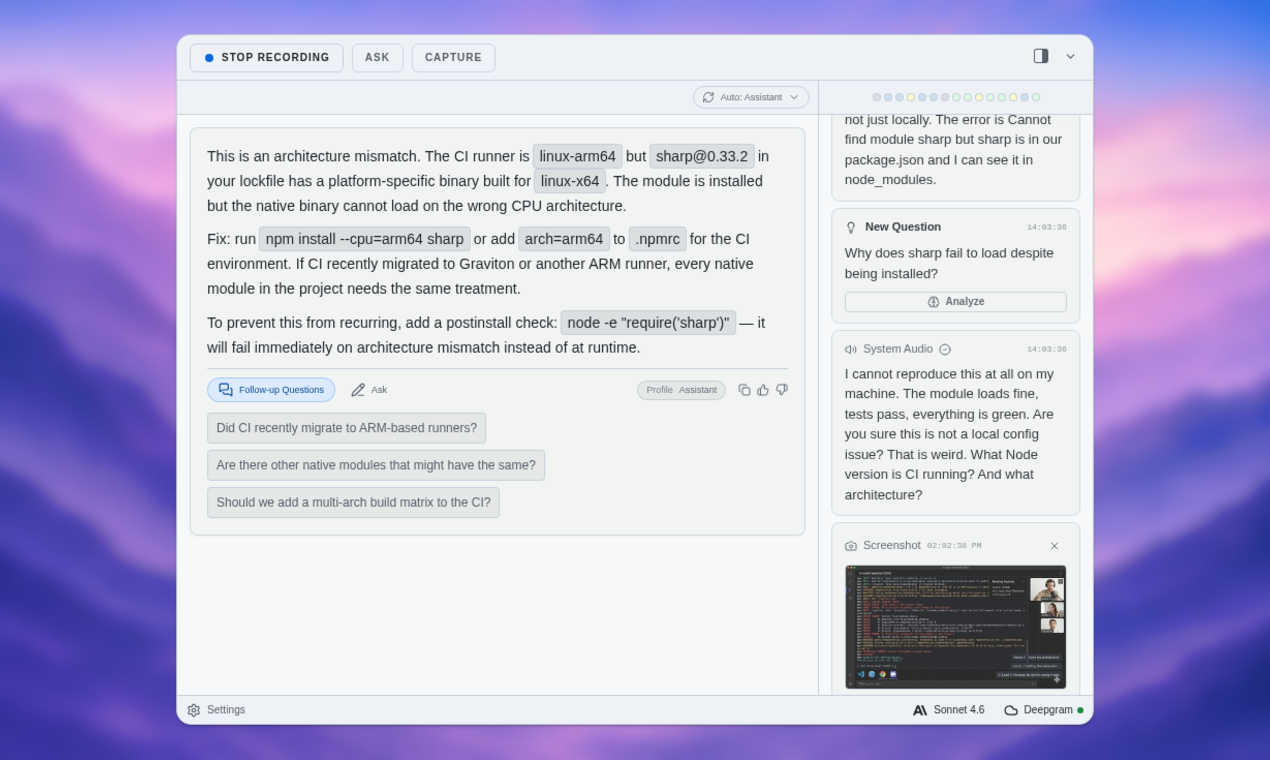
That is where AI can actually help: not by whispering a perfect answer, but by helping you structure messy thinking before the real interview starts. A tool like ExtraBrain is useful because system design prep is a session problem. You need to capture what you said, review how you reasoned, and turn a rough spoken answer into a clearer next attempt.
The real test is not the diagram
A weak system design answer often looks fine for the first five minutes. The candidate draws an API service, a database, maybe a cache, maybe a queue, and a few boxes for workers or notifications. The diagram has arrows. The words sound technical.
Then the interviewer asks one follow-up:
“What assumption are you making about write volume?”
Or:
“What breaks first if traffic grows by 10x?”
That is when the real interview begins.
System design interviews evaluate how you reason through ambiguity. The diagram is only the artifact. The signal is whether you can explain the path that produced it: the product goal, the constraints, the assumptions, the tradeoffs, and the places where you would change your mind.
AI can support those skills during preparation. But it cannot own them for you.
Start with assumptions, not architecture
The fastest way to ramble in a system design interview is to start building too early.
A prompt like “design a notification system” or “design a ride-sharing app” is deliberately incomplete. If you jump straight into components, you force yourself to make hidden assumptions. Later, when the interviewer asks about scale, reliability, privacy, or failure modes, your answer can feel like patchwork.
A better opening is simple:
“Before I design the system, I want to clarify the product goal and a few constraints.”
Then ask questions that narrow the problem:
- Who are the users?
- What is the main user action?
- What scale should we assume?
- Is latency, correctness, cost, or availability the top priority?
- What should happen during partial failure?
- What is explicitly out of scope for this version?
This is an ideal place to use AI in practice. Take a prompt, speak your clarifying questions out loud, and then ask an AI assistant:
“Here is my opening for a system design prompt. Identify assumptions I made without saying them. List clarifying questions I should have asked. Do not design the system for me.”
That last sentence matters. You are not asking AI to solve. You are asking it to audit your framing.
In an AI interview preparation workspace, this becomes especially helpful because you can review the actual transcript of your spoken answer. You may discover that you thought you asked about scale, but only said “a lot of users.” You may see that you asked five infrastructure questions and zero product questions.
Use AI to turn rambling into a decision tree
Rambling usually happens when your answer has no hierarchy.
You know many relevant concepts, so you mention all of them: caching, queues, sharding, rate limits, WebSockets, CDNs, retries, indexes, observability, failover, idempotency, and backpressure. None of those topics is wrong. The problem is that the listener cannot tell which ones matter most.
A strong system design answer has a decision tree underneath it. For a chat system, your reasoning might be:
- The core user experience is low-latency message delivery.
- Connection management and delivery reliability matter early.
- WebSockets fit active clients; push notifications fit offline clients.
- Message ordering matters per conversation, but global ordering does not.
- Messages should be stored durably before fanout so delivery can recover from failures.
- Scaling fanout comes after the basic flow is clear.
That is easier to follow than a tour of every possible component.
AI can help you find this structure after a practice attempt. Record yourself answering a prompt, then ask:
“Convert this answer into a decision tree. What was the main product goal? What decisions depended on it? Where did I introduce details before explaining why they mattered?”
That is the responsible value of a private AI interview copilot: it can help you hear the structure you intended, compare it to the structure you actually communicated, and practice the gap.
Tradeoffs should sound like choices, not vocabulary
Many candidates talk about tradeoffs as if naming them is enough.
They say:
“We can use a cache for performance.”
Or:
“We can use a queue for scalability.”
Those statements are not wrong, but they are incomplete. A tradeoff is not a vocabulary word. It is a choice with a cost.
A stronger answer sounds like this:
“I would cache the feed for active users because read latency is more important than perfect freshness here. The cost is that users may briefly see stale content, so I would avoid this approach for actions where correctness matters, like payments or permissions.”
Now the interviewer can see judgment.
The pattern is:
- Name the decision.
- Tie it to a requirement.
- Explain the benefit.
- Explain the cost.
- Say when you would change your mind.
AI is useful as a tradeoff coach because it can spot vague decisions. After a practice answer, ask:
“List every tradeoff I mentioned. For each one, tell me whether I explained the requirement, benefit, cost, and reversal condition.”
You may find that you named a queue without explaining why durability mattered, or mentioned sharding without saying what scale forced it. That feedback is exactly what you want in practice.
Practice recovery, not perfection
A common mistake in AI-assisted interview prep is optimizing for the cleanest possible answer.
That feels good, but it trains the wrong muscle. Real system design interviews are interactive. Interviewers interrupt. They challenge assumptions. They say, “Actually, assume users are global.” They ask you to remove a component. They push you toward a failure mode you did not discuss.
Use AI to practice recovery instead.
After you complete a system design answer, ask for follow-ups that force adaptation:
- “Change one requirement and ask me how the design changes.”
- “Challenge my highest-risk assumption.”
- “Ask what I would remove if the team had half the engineering capacity.”
- “Ask how the design changes for multi-region traffic.”
- “Ask what failure mode would wake someone up at 3 a.m.”
- “Ask me to explain one component to a product manager instead of an engineer.”
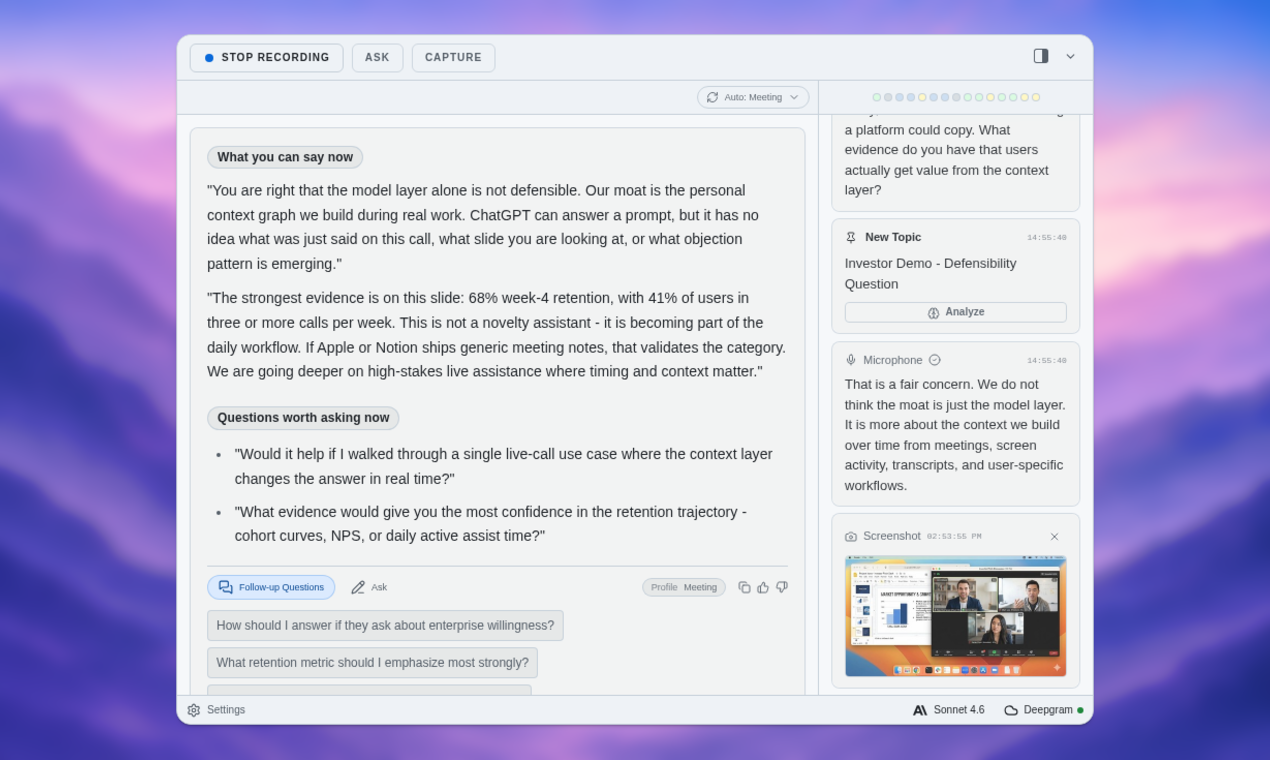
ExtraBrain fits this workflow because it can preserve the session context. Instead of asking a blank chatbot for generic system design questions, you can generate follow-ups from what you actually said. The best follow-up is not “talk about caching.” It is “you chose caching because feed freshness was flexible; what changes if users expect real-time updates?”

Use AI after the mock, not as a hidden voice
There is a bright ethical line here.
Using AI to prepare for a system design interview is responsible when it helps you learn, reflect, and communicate your own reasoning more clearly. Using AI to secretly generate live answers in an assessment that expects independent thinking is not preparation. It is misrepresentation.
The safest workflow is:
- Practice the answer yourself.
- Capture the transcript.
- Use AI to review assumptions, structure, and tradeoffs.
- Drill follow-up questions.
- Repeat the answer in your own words.
That workflow builds skill because the hard thinking still belongs to you.
If an interview explicitly allows AI tools, the standard is still the same: be transparent, verify outputs, and explain your final decisions. If the rules are unclear, ask what tools are allowed. Responsible candidates do not hide behind tools. They use tools to become clearer.
Privacy matters more than people admit
System design practice often pulls from real work.
You may describe an internal migration, a scaling problem at a previous employer, a payment failure, a customer incident, or a compliance constraint. Those details can be sensitive even when you are only using them as practice material.
Before putting real examples into any AI tool, clean the context: remove company and customer names, avoid proprietary diagrams or code, generalize confidential traffic numbers, replace internal service names with generic labels, and avoid uploading incident reports or private documents.
This is why user control matters. A local-first AI meeting copilot is valuable not because privacy is a marketing checkbox, but because serious interview preparation often requires honest context. Candidates need tools that make capture, review, and retention feel intentional.

A simple AI-assisted practice loop
If you want a practical routine, use this loop once per prompt.
Pick one realistic problem: notifications, file storage, collaborative docs, payments, metrics ingestion, video processing, search, feature flags, or incident management. Do not start by asking AI for the answer.
Set a timer for 30 to 40 minutes and talk through the problem as if an interviewer were present. Include clarifying questions, assumptions, high-level architecture, data model, APIs, scaling strategy, failure modes, and tradeoffs.
Then use AI in four passes:
- Assumption audit: What did I assume without saying?
- Structure review: Where did my answer ramble or lose hierarchy?
- Tradeoff scoring: Did I explain the requirement, benefit, cost, and reversal condition?
- Follow-up drill: What would a skeptical interviewer ask next?
Finally, repeat the prompt from scratch. The second version should sound more organized, but still human.
The goal is assisted clarity
The best system design candidates are not the ones who mention the most technologies. They are the ones who make ambiguity manageable.
They slow down at the start. They state assumptions. They choose a product frame. They explain why a design fits that frame. They name the cost of their decisions. They adapt when constraints change. They keep the interviewer oriented.
AI can help you practice all of that. It can catch the assumption you skipped. It can turn a rambling transcript into a decision tree. It can show that your “tradeoff” was really just a technology choice. It can generate follow-ups that force you to recover.
But the final judgment has to remain yours.
That is the difference between using AI as a crutch and using it as a mirror. A crutch carries weight you should be able to carry yourself. A mirror shows you what you are doing so you can improve.
System design interviews in the AI era will reward candidates who can use tools without surrendering ownership. If you want a private place to practice that skill, try ExtraBrain. Use it to capture mock system design sessions, review your reasoning, drill follow-ups, and build the habit that matters most: clear human judgment under pressure.