
ExtraBrain Blog
We Tested AI on a Live System Design Prompt: Where It Helps, Where Humans Still Matter

A first-hand system design experiment showing where AI can support requirements, trade-offs, and recap - and where human judgment still matters most.
I wanted to know where AI actually helps in a system design conversation, not in a polished demo or a prompt-engineered screenshot, but in the messy middle of a real-time architecture problem. So I ran a simple experiment: take a realistic system design prompt, talk through it out loud, let AI assist at specific moments, and compare the help against what a human still has to own.
The short version: AI was useful for memory, structure, and surfacing missed angles. It was not a substitute for judgment. It could remind me to discuss backpressure, observability, and data retention. It could not decide what trade-off mattered most for the product, read the interviewer’s priorities, or defend a design under pressure.
That distinction matters. Used responsibly, an AI assistant can make practice sessions and post-call reviews much sharper. Used carelessly, it can become a crutch that hides whether you actually understand the system. I used ExtraBrain as the AI layer for this experiment because it is built around session context - conversation, screen state, follow-ups, and after-the-fact insights - rather than a blank chat box.

The prompt: design a real-time incident alerting system
The prompt I chose was intentionally ordinary:
Design a system that ingests service health events, detects incidents, notifies the right responders, and supports post-incident review.
It is the kind of prompt that can go shallow fast. You can draw a queue, a database, and a notification service in five minutes and feel done. But a good system design answer has to wrestle with ambiguity:
- What counts as an incident?
- How fast do alerts need to fire?
- Who owns routing and escalation rules?
- What happens during an event storm?
- How do we avoid duplicate or noisy pages?
- What data do we need for a later review?
I treated this like an interview-practice session, not a live interview. AI can be a strong practice partner and review tool, but it should not be used to secretly outsource judgment in an assessment where independent work is expected.
My setup was simple: I put the prompt on screen, started an ExtraBrain session, spoke through my design out loud, and used AI at three points: after requirements, after the first architecture pass, and after the trade-off discussion.
Step one: AI helped me slow down on requirements
My first instinct was to start drawing components. That is exactly the trap system design prompts set. A human interviewer usually wants to hear clarifying questions before architecture: scale, latency, reliability, data model, operational constraints, and product goals.
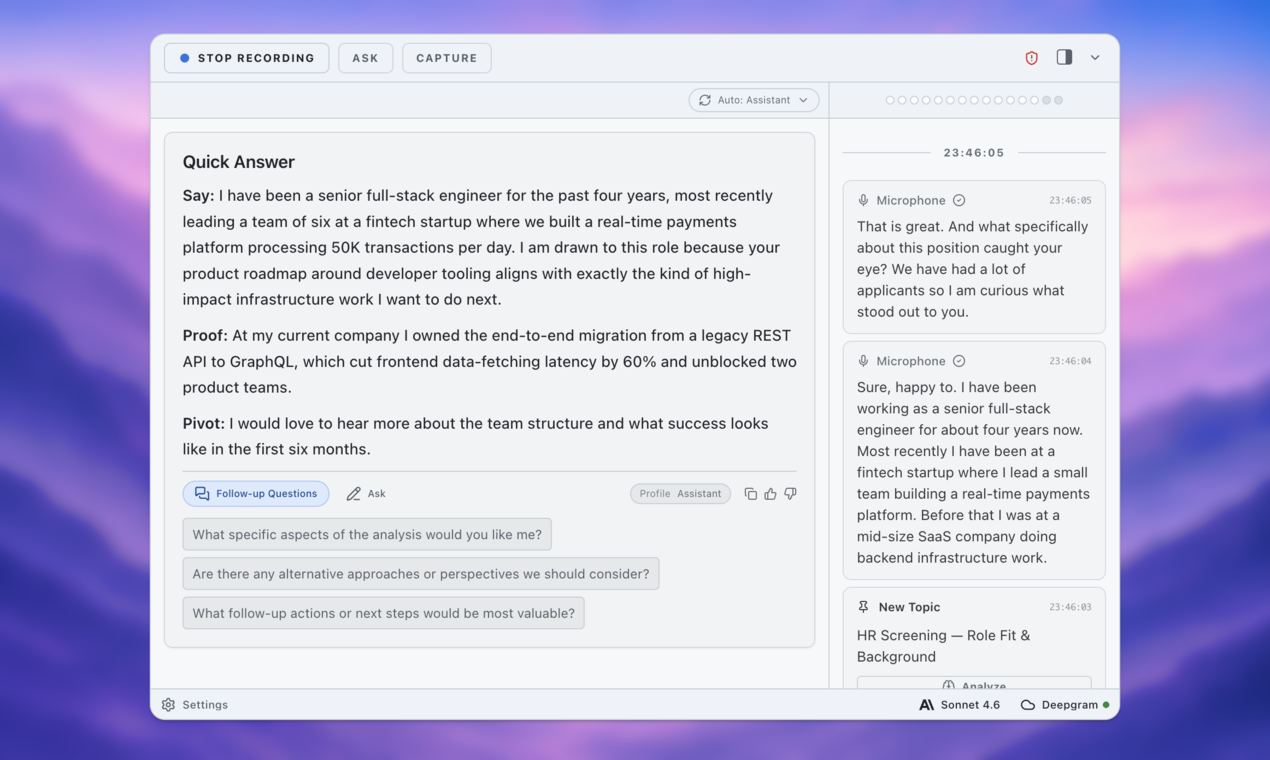
After my initial requirements pass, I triggered an analysis. The useful part was not that AI invented new requirements. It reflected the ones I had actually said and highlighted what I had not asked yet.
The missing questions were practical:
- Are events pushed by services, pulled from metrics systems, or both?
- Are alerts based on single events, aggregates, or anomaly detection?
- Is the system optimized for seconds, minutes, or auditability?
- Should responders be notified by Slack, email, phone, or an on-call platform?
- What is the tolerance for false positives versus missed incidents?
This was genuinely helpful. In a live conversation, it is easy to lose track of the questions you skipped because you are busy thinking about the design. AI worked like a checklist that listened to my actual answer rather than a generic system design template.
But it did not choose the product stance. I still had to decide what assumptions to make. I chose: service events arrive over HTTP, detection happens within 30 seconds for high-severity incidents, notifications route through escalation policies, and the system should prioritize not missing critical incidents over minimizing every false positive.
That last sentence is human judgment. AI can surface the axis. The designer has to pick a point on it and explain why.
Step two: AI made the architecture easier to audit
For the first design pass, I talked through a fairly standard pipeline:
- Services emit health events to an ingestion API.
- The API validates and writes events to a durable queue.
- Stream processors aggregate events by service, region, and severity.
- A rules engine evaluates incident conditions.
- An incident service creates or updates incident records.
- A notification service routes alerts to responders.
- A review store keeps timelines, acknowledgments, and resolution notes.
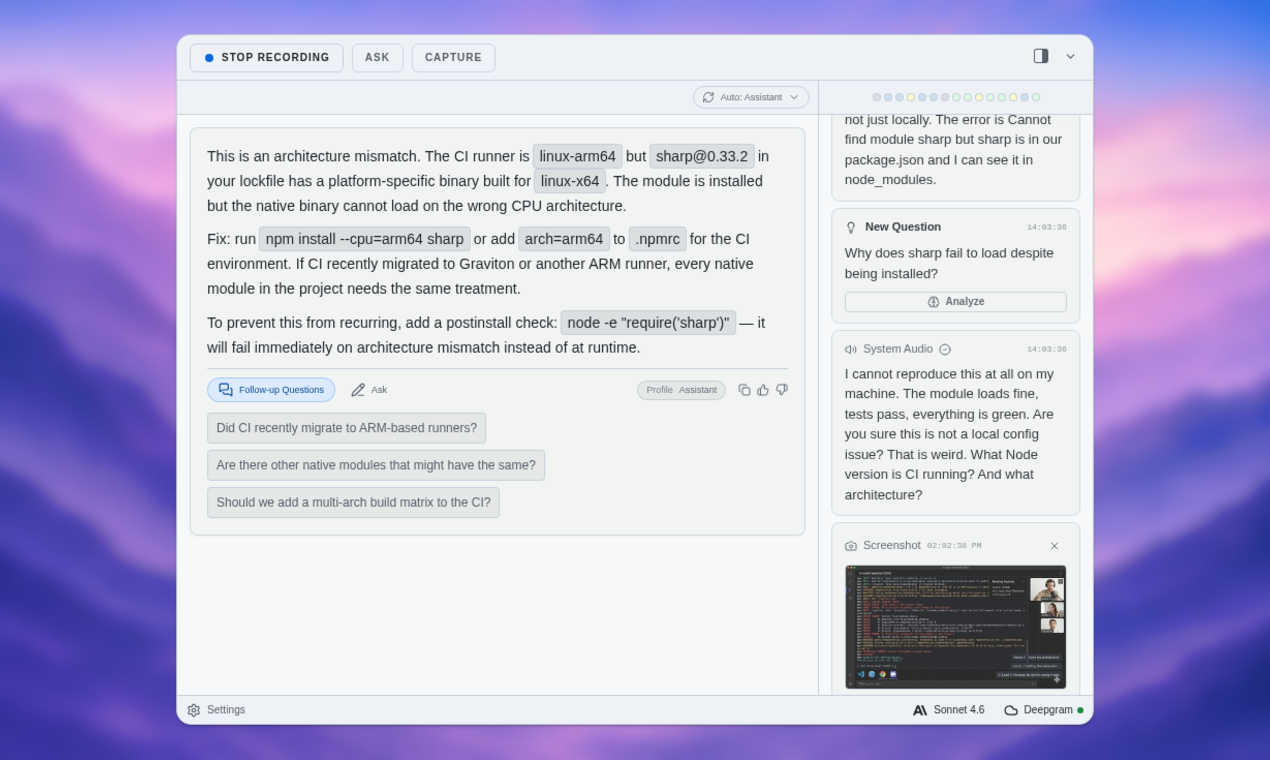
Nothing there is surprising. The value came when I asked ExtraBrain to analyze the architecture I had just described. It did two things well.
First, it turned a spoken explanation into a structured map. That helped me see whether my design was coherent. Spoken system design can feel linear in the moment, but the actual system is a graph of dependencies. Seeing the components listed back made gaps obvious.
Second, it generated follow-up questions that pointed at operational risks:
- What happens if the queue falls behind?
- How are duplicate alerts suppressed?
- How do responders acknowledge ownership?
- How are escalation policies versioned?
- What visibility exists when notifications fail?
This is where a contextual assistant beats a blank prompt. I was not asking, “What should a system design include?” I was asking, “Given the design I just explained, what should I pressure-test next?” ExtraBrain’s follow-up workflow kept the critique attached to the session instead of forcing me to start a new chat and restate the context.
Where AI started to get too confident
The first weak spot appeared when I pushed for recommendations. AI tended to make every concern sound equally important: backpressure, deduplication, idempotency, alert routing, audit logs, retries, and dashboards.
Technically, that is not wrong. Practically, it is not enough. A strong system design answer ranks risks. For this incident alerting system, I decided the core risks were missed critical alerts, notification storms, and unclear ownership. Other concerns mattered, but they had to serve that story.
This is where human judgment still matters most: prioritization under constraints. In an interview or design review, you do not get credit for naming every distributed systems concept. You get credit for choosing the right few, tying them to requirements, and making trade-offs explicit.
For example, I chose a durable queue between ingestion and processing because losing health events during a traffic spike would undermine trust in the system. I also chose incident deduplication before notification fanout because duplicate pages create fatigue and make real incidents easier to ignore. Those choices are not just architecture; they are product decisions.
AI can remind you of the menu. It cannot eat the meal for you.
Step three: AI was strongest after the answer, not during it
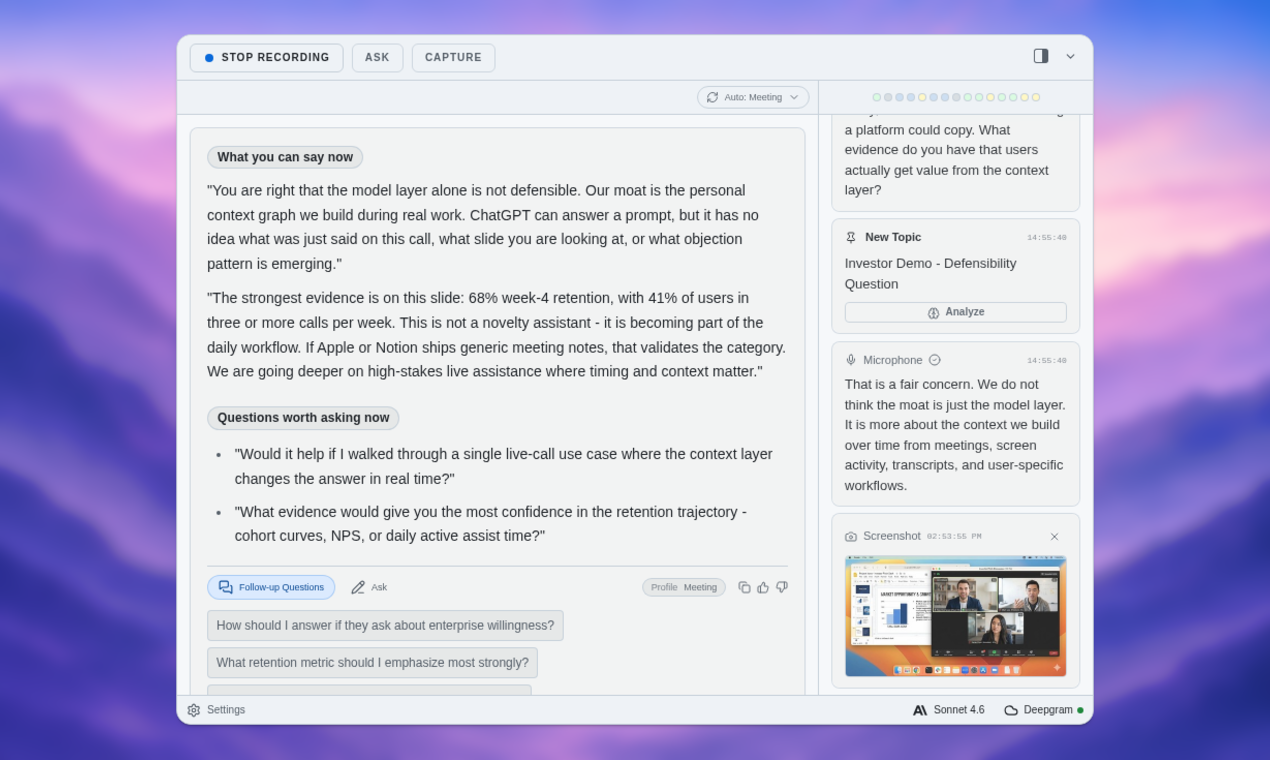
The most useful part of the experiment came after I finished the full design. I used a post-session analysis template to ask for three things:
- What parts of the answer were clear?
- What important trade-offs were missing?
- What would a senior interviewer likely challenge?
That produced the best output of the session. It caught several issues I would want to fix before repeating the prompt.
I had mentioned retries, but not retry budgets. I talked about escalation policies, but not how policy changes are audited. I described aggregation windows, but did not say enough about late-arriving events. I also underexplained how incident timelines would be reconstructed for postmortems.
Those are not trivial misses. They are exactly the details that separate a reasonable whiteboard sketch from an operationally credible system.
This is the pattern I would recommend for responsible AI-assisted interview practice: do the work first, then use AI to review it. Let the assistant critique your reasoning, expose gaps, and generate follow-up drills. Do not let it replace the reasoning itself.
A private AI interview copilot is most valuable when it helps you practice honestly: capturing what you said, showing what you missed, and giving you a tighter next repetition.

The privacy and control angle matters
There is another reason I prefer session-based tools over dumping everything into random chat windows: control.
System design practice often includes sensitive context. You might be practicing from your own work experience, discussing real architecture patterns, or reviewing notes from internal incidents. The workflow should make privacy and intentionality visible: what is captured, when analysis runs, and how the session is reviewed afterward.
For this experiment, the responsible workflow was deliberate: start a session, capture the prompt and spoken reasoning, trigger analysis at known points, and use follow-ups in context. User control is not a nice-to-have for AI assistance. It is the difference between a tool that sharpens your thinking and one that quietly takes over the work.

What humans still own
After the experiment, I wrote down the parts I would not delegate.
Humans still own the problem frame. If the prompt says “incident alerting,” someone has to decide whether the product is about fast paging, accurate detection, compliance reporting, or operational learning. Each frame leads to a different system.
Humans still own trade-offs. AI can say “use Kafka” or “use a durable queue,” but the designer has to explain what that buys, what it costs, and when it would be overkill.
Humans still own communication. A system design answer is not just a diagram. It is a conversation. You need to notice confusion, adapt to feedback, and make your reasoning legible.
Humans still own ethics. If an interview or assessment expects unaided work, using AI secretly is not responsible assistance. Practice with AI. Review with AI. Use permitted tools transparently. Do not misrepresent machine-generated work as independent judgment.
My takeaways from the experiment
AI helped most when the task was to preserve context, structure messy thinking, and ask the next useful question. It helped least when the task required prioritization, taste, or accountability.
If I were using this workflow again, I would keep it simple:
- Speak the answer without AI interruption.
- Trigger analysis after major sections, not every sentence.
- Use follow-up questions to pressure-test one area at a time.
- End with a post-session review focused on gaps and next practice reps.
- Rewrite the answer yourself.
That last step is essential. The learning happens when you absorb the critique and produce a better version in your own words.
The experiment did not convince me that AI can “solve” system design. It convinced me that AI can make system design practice more honest. It catches skipped assumptions, keeps track of what you actually said, and gives you a second pass while the session is still fresh.
That is the balance I want from AI tools: assistance without surrendering agency. If you are practicing technical interviews, reviewing architecture decisions, or trying to get better at explaining complex systems, try using ExtraBrain as a context-aware practice partner. Let it challenge you, then do the hard part yourself.