
ExtraBrain Interview Questions
Best AI Coding Interview Assistants in 2026: Responsible Review and Comparison

Compare AI coding interview assistants for live coding, explanations, privacy, screen context, pricing models, and responsible use in 2026.
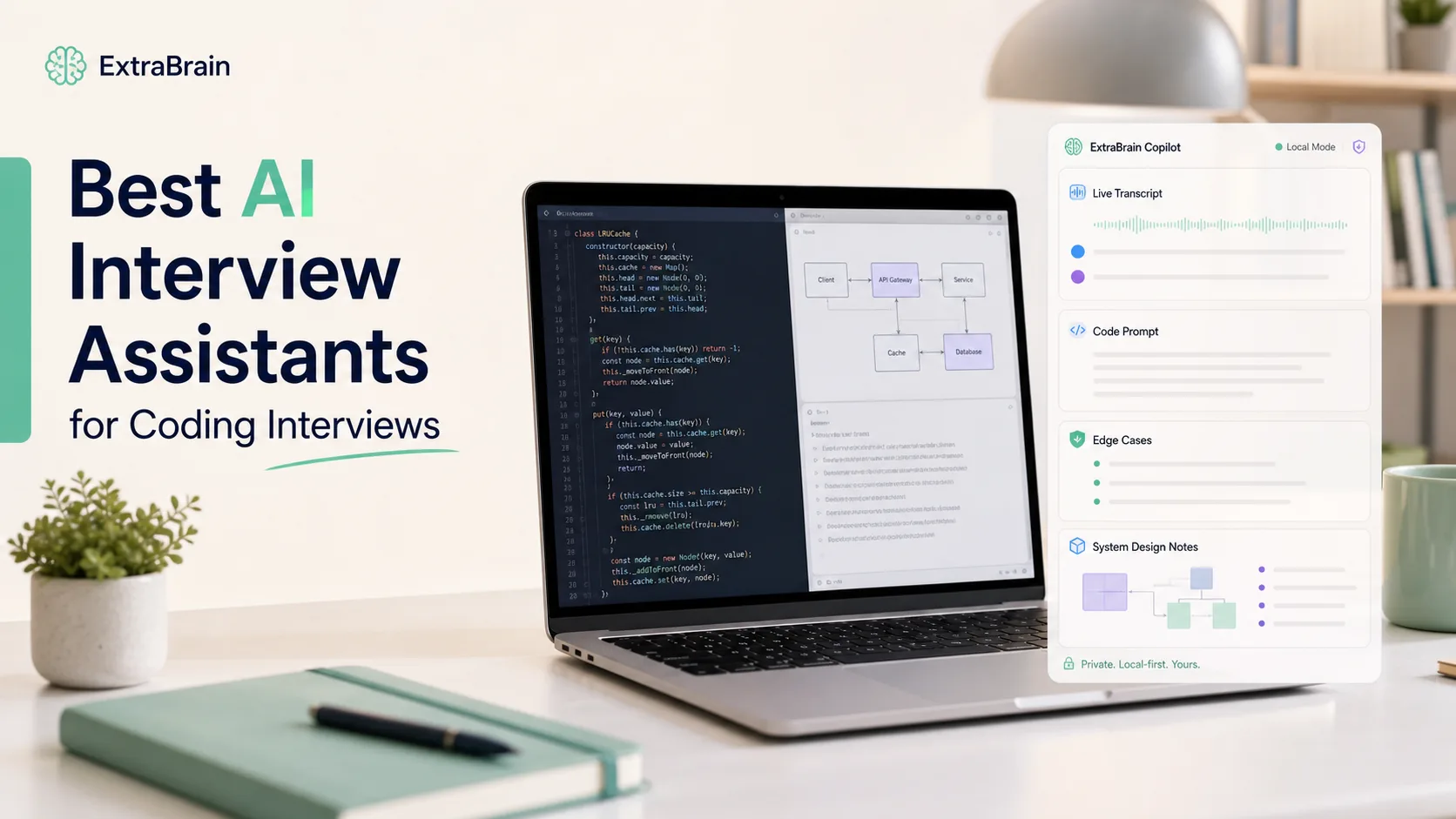
AI coding interview assistants have become much more common in 2026. Candidates use them to practice live coding, reason through algorithms, prepare explanations, review transcripts, and stay calm during technical interviews. The hard part is not finding an AI tool. The hard part is choosing one that fits your interview format, privacy expectations, operating system, and rules of use.
This guide compares six AI coding interview assistants through an ExtraBrain lens. It focuses on practical coding-interview workflows instead of hype around cheating or bypassing platform rules. If you use AI during any interview, assessment, workplace meeting, school session, or proctored environment, you are responsible for following the rules that apply to that situation.
What matters in an AI coding interview assistant
A useful coding interview assistant should help you think more clearly, not replace your judgment. For coding rounds, the best tools usually combine transcript context, screen context, code explanation, follow-up support, and post-interview review.
| Feature | Why it matters |
|---|---|
| Live transcription | Helps the assistant follow the interviewer’s prompt, constraints, hints, and follow-up questions. |
| Screen-aware context | Helps the assistant understand visible code, problem statements, test failures, and diagrams when configured to use screenshots or screen context. |
| Coding explanation support | Helps you explain tradeoffs, edge cases, complexity, and debugging decisions in your own words. |
| Multiple interview formats | Coding interviews often blend algorithms, debugging, system design, behavioral questions, and resume discussion. |
| Provider control | Bring-your-own provider support lets candidates decide which AI provider receives prompts and context. |
| Local-first privacy options | Local transcription and local AI can reduce external data sharing when installed, compatible, and configured correctly. |
| Responsible-use controls | The tool should make it clear that candidates must follow interview, employer, school, meeting, and platform rules. |
Shortlist: six AI coding interview assistants to compare
The tools below are commonly discussed by candidates preparing for technical interviews. They are not interchangeable. Some focus on desktop workflows, some focus on browser workflows, and some are broader meeting assistants that can also be used for interview practice.
- ExtraBrain
- Final Round AI
- LockedIn AI
- Interview Coder
- Parakeet AI
- Cluely
1. ExtraBrain - best local-first AI coding interview assistant for Mac
Overview
ExtraBrain is a free, local-first desktop AI interview assistant and meeting copilot for Mac. It supports live transcription, screen-aware context, local Gemma 4 on-device AI where installed and compatible, bring-your-own AI providers, and clear privacy controls. It is built for coding interviews, system design rounds, behavioral interviews, meetings, lectures, and research calls.
For coding interviews, ExtraBrain is strongest when you want a desktop workflow that can follow the conversation, use visible context, help structure explanations, and preserve session history for review. It is also a strong fit for candidates who want more control over provider choice and data flow. The core Mac app is free, and ExtraBrain Pro adds paid options for users who need more advanced workflows.
Best fit
ExtraBrain is best for Mac users who want a real-time coding interview copilot with local-first privacy options, screen context, live transcript context, and post-session review. It is especially useful when you want to practice explaining your reasoning instead of only generating code.
Key features
- Mac desktop app: ExtraBrain is available for macOS today, including Apple Silicon and Intel Macs. Windows and Linux are planned future platforms.
- Live transcription: ExtraBrain supports local NVIDIA Parakeet transcription and optional Deepgram.
- Screen-aware context: ExtraBrain can use screen context to help reason about coding prompts, visible code, errors, and diagrams.
- Local AI option: ExtraBrain can use local Gemma 4 on-device AI where installed and compatible. Local Gemma 4 availability depends on installation, hardware, and environment compatibility.
- Bring-your-own providers: ExtraBrain supports Google Gemma 4 local AI, Anthropic, OpenAI, custom OpenAI-compatible endpoints, Claude Subscription, and Codex Subscription.
- Interview formats: ExtraBrain can help with coding interviews, system design interviews, behavioral interviews, product interviews, customer calls, lectures, and research meetings.
- Privacy controls: With local Gemma 4 and local Parakeet transcription, transcription and AI prompts can stay local. Prompts, transcript text, screenshots, or audio may leave the device when sent to selected external providers.
- Responsible use: ExtraBrain should be used only where interview, employer, school, workplace, meeting, and platform rules allow AI assistance, transcription, screenshots, or notes.
How ExtraBrain helps in a coding interview
ExtraBrain is not just a code generator. It is more useful as a thinking partner that helps you keep track of the prompt, identify missing constraints, prepare clarifying questions, and explain the solution path.
For example, if an interviewer asks you to design an LRU cache, ExtraBrain can help you organize the answer into data structures, operations, complexity, edge cases, and testing strategy. If your code fails a visible test case, screen-aware context can help the assistant reason about the failing case and suggest debugging directions. If the interviewer asks why you chose one approach over another, transcript context can help you answer the specific follow-up instead of giving a generic explanation.
Pricing context
The core ExtraBrain Mac app is free. ExtraBrain Pro is $9.99/month $79/year, or $149 Lifetime launch pricing. External AI and transcription provider usage is billed separately by the providers users choose.
2. Final Round AI - versatile interview-prep workflow
Overview
Final Round AI is commonly positioned as an interview preparation and live interview support tool. Its appeal is breadth. Candidates often look at it when they want resume-based interview preparation, answer structure, and support across several interview formats.
For coding interviews, the main question is whether its workflow fits the way your interview is actually delivered. Browser-based and web-first tools can feel convenient during preparation, but desktop-level context and screen-share behavior may differ from a native desktop app. Candidates should test the workflow before an important interview and avoid assuming that any tool is allowed or invisible in every environment.
Best fit
Final Round AI is best for candidates who want broad interview preparation across behavioral, resume, and technical formats. It may be less ideal if your priority is local-first data handling or a desktop-native Mac workflow.
What to evaluate
- Does it follow live coding prompts accurately?
- Does it support the programming languages you need?
- Does it help you explain reasoning, or does it mainly produce final answers?
- Does its browser or desktop workflow match the meeting and coding platform you will use?
- Does its data handling match your privacy expectations?
- Does your interview or assessment allow the type of assistance you plan to use?
3. LockedIn AI - interview copilot with structured live support
Overview
LockedIn AI is another tool candidates often compare when looking for live interview assistance. It is typically discussed in the context of real-time answers, coding support, and interview follow-up help.
The most important evaluation point is not whether the tool sounds powerful. The important question is whether it helps you communicate your own reasoning under pressure. A coding interview is usually judged on clarification, tradeoffs, debugging process, code quality, and collaboration. A tool that only pushes final answers can hurt you if you cannot explain them naturally.
Best fit
LockedIn AI may fit candidates who want a live interview copilot and are comfortable evaluating its workflow, privacy model, and platform fit before using it.
What to evaluate
- Can it handle follow-up questions without losing context?
- Can it help you explain time and space complexity clearly?
- Can you control the output style so answers sound like your own reasoning?
- Does it work across the meeting and coding tools used by your interview process?
- Are its data flow and provider choices acceptable for your situation?
4. Interview Coder - coding-focused assistant for technical rounds
Overview
Interview Coder is usually discussed as a tool built specifically for coding interview scenarios. Candidates look at it when they want a tool focused on algorithmic prompts, code solutions, and technical explanation.
A coding-specific tool can be helpful for practicing common patterns such as sliding windows, two pointers, graph traversal, dynamic programming, caching, concurrency, and debugging. However, candidates should be careful not to treat generated solutions as a substitute for understanding. Most interviewers will probe why the solution works, what breaks it, and how you would adapt it.
Best fit
Interview Coder may fit candidates who want a coding-first interface and are primarily preparing for algorithmic or live-coding rounds.
What to evaluate
- Does it generate readable code in your preferred language?
- Does it produce explanations that you can repeat honestly and confidently?
- Does it help with edge cases and test design?
- Does it support iterative refinement when the first answer is not enough?
- Does it keep useful history for post-interview review?
5. Parakeet AI - fast transcription-oriented interview support
Overview
Parakeet AI is often discussed for interview assistance because fast transcription can make a live copilot feel smoother. In coding interviews, transcription quality matters because one missed constraint can change the entire solution.
There is also a naming overlap to keep in mind. ExtraBrain supports local NVIDIA Parakeet transcription as one transcription option, but ExtraBrain and Parakeet AI are separate products. When comparing tools, separate the transcription engine from the full interview assistant workflow.
Best fit
Parakeet AI may fit candidates who care most about fast transcription and a streamlined live interview experience. ExtraBrain may fit better if you want local-first Mac desktop context, provider control, and a broader interview and meeting workspace.
What to evaluate
- How accurately does it transcribe technical terms, variable names, and interviewer hints?
- Does it support coding-specific explanations and complexity discussion?
- Does it provide useful screen or code context?
- Can it help after the interview with transcript review and debrief?
- Does it clearly explain what data leaves your device?
6. Cluely - general meeting assistant that candidates may use for interviews
Overview
Cluely is often discussed as a broader real-time AI assistant for meetings and calls. That makes it relevant to interview candidates, but a general meeting assistant is not always the same as a coding interview assistant. Coding interviews require problem parsing, code reasoning, edge-case handling, complexity explanation, and debugging support.
If you evaluate a broad meeting assistant for technical interviews, test it on realistic coding prompts before relying on it. A tool that handles conversational meetings well may still struggle with long problem statements, code snippets, stack traces, or whiteboard diagrams.
Best fit
Cluely may fit users who want general real-time meeting assistance and occasional interview support. Candidates focused on coding interviews should compare it against coding-specific workflows and local-first desktop tools like ExtraBrain.
What to evaluate
- Does it understand technical prompts and code context?
- Does it preserve enough transcript context for follow-up questions?
- Does it help you explain your reasoning rather than only suggesting short answers?
- Does it support your privacy and provider preferences?
- Is its use allowed in the interview or meeting environment?
Feature comparison
This table summarizes practical differences to check before choosing a tool. Because third-party features and prices can change, use this as a decision framework rather than a permanent specification sheet.
| Assistant | Best use case | Desktop or web fit | Coding explanation support | Privacy and provider control | Responsible-use clarity |
|---|---|---|---|---|---|
| ExtraBrain | Local-first Mac coding interview and meeting copilot | Mac desktop app | Strong for reasoning, follow-ups, and review | Local Gemma 4 where installed and compatible, local Parakeet transcription, and bring-your-own providers | Explicit responsible-use positioning |
| Final Round AI | Broad interview preparation and live support | Often evaluated for web-first or mixed workflows | Useful for interview structure and preparation | Check current provider and data-flow details | Check current policy and use-case guidance |
| LockedIn AI | Live interview copilot workflow | Depends on current product workflow | Useful if it supports follow-up reasoning well | Check current provider and data-flow details | Check current policy and use-case guidance |
| Interview Coder | Coding-first interview practice and live coding support | Depends on current product workflow | Strong candidate if explanations and refinement are solid | Check current provider and data-flow details | Check current policy and use-case guidance |
| Parakeet AI | Fast transcription-oriented interview support | Depends on current product workflow | Evaluate for coding depth and transcript accuracy | Check current provider and data-flow details | Check current policy and use-case guidance |
| Cluely | General meeting assistance with possible interview use | Depends on current product workflow | Evaluate carefully for coding depth | Check current provider and data-flow details | Check current policy and use-case guidance |
Pricing factors to compare
Pricing for AI interview assistants changes often. Some tools use subscriptions, some use credits, some offer short trials, and some separate AI-provider costs from app costs. Instead of relying on old price snapshots, compare these factors on each official pricing page before paying.
| Pricing factor | Why it matters |
|---|---|
| Free plan or trial | Lets you test transcript quality, coding support, and workflow fit before an interview. |
| Monthly subscription | Useful if you are interviewing actively for a short period. |
| Annual plan | May be cheaper if you expect a long job search or repeated practice. |
| Lifetime plan | Can be attractive, but only if the product is actively maintained and fits your workflow. |
| Provider costs | Bring-your-own AI providers may bill separately from the assistant app. |
| Transcription costs | Cloud transcription can create separate usage costs depending on the provider. |
| Cancellation terms | Important if you only need support during one hiring cycle. |
For ExtraBrain, the core Mac app is free. ExtraBrain Pro is $9.99/month $79/year, or $149 Lifetime launch pricing. External AI and transcription provider usage is billed separately by the providers users choose.
How to choose the right assistant
Choose ExtraBrain if you want local-first Mac control
Choose ExtraBrain if you want a Mac desktop app with live transcription, screen-aware context, local Gemma 4 where installed and compatible, local Parakeet transcription, bring-your-own providers, and privacy controls. This is the strongest fit if you care about coding interviews and also want the same workspace for system design, behavioral rounds, meetings, lectures, and research calls.
Choose a coding-specific tool if you only practice algorithms
A coding-specific assistant can be useful if you mainly want algorithm walkthroughs, complete implementations, and complexity explanations. Make sure it helps you learn and explain the solution, not just copy a final answer. Interviewers can usually tell when a candidate cannot reason about code they just produced.
Choose a broad interview assistant if your process is mixed
Many hiring loops include recruiter calls, behavioral interviews, technical screens, system design, pair programming, and hiring-manager discussions. A broad interview assistant may be useful if it can keep context across those formats. ExtraBrain is designed for this broader live-session workflow while still supporting coding and system design use cases.
Choose a meeting assistant only after realistic testing
General meeting assistants can help with conversation, notes, and summaries. They may not be optimized for coding prompts, visible code, compiler errors, or algorithm explanations. Test them with realistic interview prompts before depending on them.
Responsible use in coding interviews
AI can be useful for preparation, practice, reflection, accessibility, and note support. It can also violate rules if used in a restricted interview, school assessment, workplace evaluation, or proctored environment.
Before using any AI coding interview assistant, answer these questions.
- Does the interviewer, employer, school, workplace, or platform allow AI assistance?
- Are transcription, screenshots, or notes allowed?
- Are you allowed to use external AI providers?
- Could confidential company, candidate, or customer information be sent to a provider?
- Can you explain every line of code and every tradeoff yourself?
- Would you be comfortable disclosing how you used the tool?
A responsible assistant should help you think, prepare, and communicate. It should not encourage you to bypass rules or misrepresent your abilities.
Practical coding interview workflow with ExtraBrain
Before the interview
Set up ExtraBrain on your Mac and choose your transcription and AI providers. If you want the most local posture, configure local Parakeet transcription plus local Gemma 4 on-device AI where installed and compatible. If you use external providers, understand that selected prompts, transcript text, screenshots, audio, or context may be sent to those providers depending on your configuration.
Practice with real prompts before the interview. Use ExtraBrain to explain your own solution, ask for edge cases, and rehearse follow-up questions. This helps you sound like a candidate who understands the problem, not like someone reading an answer.
During allowed live sessions
Use the live transcript to stay aligned with the interviewer. Use screen-aware context when it is allowed and useful for visible code, failing tests, diagrams, or problem statements. Ask clarifying questions before jumping into implementation. Use AI suggestions as prompts for your own reasoning, then explain the approach in your own words.
After the interview
Review the transcript and notes while the conversation is still fresh. Identify where you hesitated, which hints helped, which edge cases you missed, and which explanations sounded unclear. Turn that review into practice prompts for the next round. This is where an AI interview copilot becomes a focused second-brain-style workspace for interviews rather than a one-time answer generator.
FAQ
What is an AI coding interview assistant?
An AI coding interview assistant helps candidates prepare for or follow technical interview context. It can support live transcription, prompt analysis, code explanation, complexity discussion, debugging ideas, and post-interview review. ExtraBrain provides this workflow as a Mac desktop app with local-first options and bring-your-own provider support.
Is ExtraBrain only for coding interviews?
No. ExtraBrain supports coding interviews, system design interviews, behavioral interviews, product interviews, customer calls, lectures, research meetings, and general meeting copilot workflows.
Can ExtraBrain run fully local?
A fully local ExtraBrain posture requires local Parakeet transcription plus local Gemma 4 on-device AI where installed and compatible, with no external provider requests. External providers may receive selected prompts, transcript text, screenshots, audio, or context depending on configuration.
What platforms does ExtraBrain support?
ExtraBrain is available for macOS today, including Apple Silicon and Intel Macs. Windows and Linux are planned future platforms.
Does ExtraBrain replace coding practice?
No. ExtraBrain can help with answer outlines, technical explanations, follow-up questions, and review, but candidates remain responsible for understanding the material and following all applicable rules.
Can I use AI during a live coding interview?
Only if the interview, employer, school, workplace, and platform rules allow it. If the rules are unclear, ask before using AI assistance, transcription, screenshots, or notes.