
ExtraBrain Interview Questions
What Users Say About AI Mock Interview Tools in 2026

A practical review of what users like, dislike, and need from AI mock interview tools, with ExtraBrain context for responsible practice.
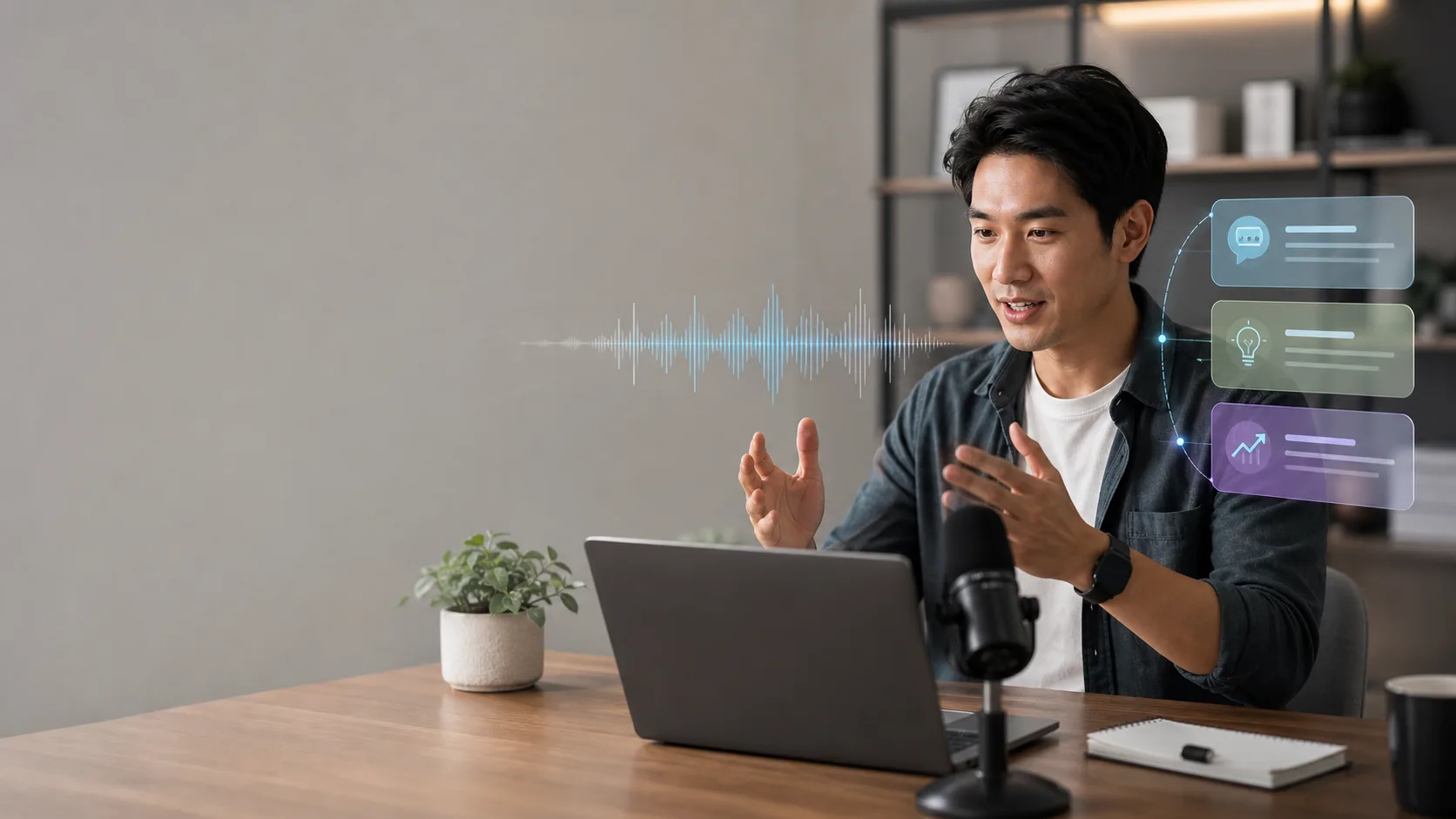
A difficult interview can teach a painful lesson: thinking through answers silently is not the same as handling real pressure out loud. Many candidates discover this after freezing on a behavioral question, rambling through a technical explanation, or realizing too late that their answer sounded polished but not personal. That is why AI mock interview tools have become part of many interview-preparation routines.
This review summarizes what users tend to praise, where they still struggle, and how to choose an AI mock interview workflow that improves real performance rather than creating scripted answers. It also explains how ExtraBrain fits into that workflow as a free, local-first Mac desktop AI interview assistant and meeting copilot with live transcription, screen-aware context, bring-your-own AI providers, and privacy controls.
The most useful AI mock interview tools do not just ask random questions. They help candidates practice under realistic constraints, review transcripts, notice weak spots, generate follow-up questions, and turn repeated practice into better judgment. Used responsibly, they can make preparation more structured, more measurable, and less lonely.
What users praise about AI mock interview tools
Users who like AI mock interview tools usually talk about speed, repetition, personalization, and lower-pressure practice. Instead of waiting for a friend, mentor, recruiter, or coach to schedule a session, they can practice when the anxiety is fresh and the target role is specific.
Common positive themes include:
- Instant feedback on pacing, filler words, clarity, answer structure, and missed details.
- Personalized practice based on a resume, target role, job description, or interview type.
- Follow-up questions that expose vague claims or unsupported examples.
- Large question libraries that can be filtered by role, seniority, function, or industry.
- Practice modes for behavioral, technical, product, case, system design, and coding interviews.
- Session transcripts that make it easier to review exactly what was said.
- Progress tracking that shows whether answers are becoming clearer over time.
- Lower emotional friction because candidates can repeat a session privately before practicing with a person.
For many candidates, the biggest breakthrough is not that the AI gives a perfect answer. It is that the tool makes practice specific enough that weak answers become visible. A vague STAR story, a shallow system design tradeoff, or a coding explanation that skips edge cases becomes much easier to fix when the candidate can review it immediately.
Why follow-up questions matter most
One of the strongest signals users mention is the quality of follow-up questions. A simple question-and-answer drill can help with recall, but it often misses the part of interviewing that creates pressure: the interviewer keeps probing.
A strong AI mock interview session should ask questions like:
- “What was your exact contribution on that project?”
- “How did you measure whether the result was successful?”
- “What tradeoff did you reject and why?”
- “What would you change if you had twice the traffic?”
- “Can you explain that solution without using jargon?”
- “What evidence shows that this was more than routine work?”
This is where AI practice becomes more realistic. Independent questions help candidates rehearse content. Follow-up questions help candidates test whether the content holds up.
ExtraBrain is useful in this kind of workflow because it can help generate answer outlines, STAR structures, technical explanations, and follow-up questions from live transcript and screen context. The candidate still needs to supply honest experience, verify details, and follow the rules of the interview or assessment.
What users still dislike or worry about
AI mock interview tools are helpful, but users also report real limitations. The most common problems are not about whether AI can produce text. They are about whether the practice feels human, natural, and trustworthy.
Common challenges include:
- Feedback can feel robotic when it focuses on word count, tone, or pitch without understanding the emotional context of the answer.
- Candidates can become over-rehearsed and start sounding scripted.
- AI tools may miss cultural communication styles, humor, humility, or the right level of directness.
- A tool can generate a clean answer that does not match the candidate’s actual experience.
- Technical issues, setup friction, poor audio, or unreliable transcription can interrupt practice.
- A simulated interviewer cannot fully reproduce the tension of a real person reacting in real time.
- Candidates may rely too much on AI suggestions and not enough on human feedback.
These concerns are valid. The goal should not be to outsource interviewing to a machine. The goal should be to use AI as a practice partner, review assistant, and structure coach while preserving the candidate’s own judgment and voice.
AI mock interviews compared with traditional mock interviews
Both AI practice and traditional mock interviews have value. The best routine usually combines both.
| Aspect | AI mock interviews | Traditional mock interviews |
|---|---|---|
| Availability | Available whenever the candidate wants to practice | Requires scheduling with another person |
| Repetition | Easy to repeat the same answer until it improves | Repetition depends on the coach or peer’s time |
| Feedback | Fast, consistent, and transcript-based | More human, nuanced, and relationship-aware |
| Realism | Good for question pressure, structure, and follow-up drills | Better for rapport, body language, and live social dynamics |
| Personalization | Can use resume, role, job description, transcript, and screen context when configured | Depends on the interviewer’s expertise and preparation |
| Cost pattern | Often more scalable for frequent practice | Can become expensive or hard to access for expert coaching |
| Best use | Daily reps, answer refinement, technical walkthroughs, and post-session review | Final polish, human presence, executive presence, and communication nuance |
AI practice is strongest when the candidate needs volume and fast feedback. Human practice is strongest when the candidate needs social calibration, rapport, and judgment from someone who understands the role.
How to use AI mock interview tools well
A good AI practice routine should make your real answers better, not just prettier. That means treating every generated suggestion as a draft, not as a script.
Start with real source material
Use your actual resume, project notes, portfolio, job description, and target interview format. The more specific the context, the more useful the questions become.
For behavioral interviews, prepare stories with concrete stakes, actions, and outcomes. For coding interviews, prepare problem-solving habits, edge-case explanations, and complexity tradeoffs. For system design rounds, prepare requirements clarification, architecture choices, bottlenecks, and failure modes.
Practice out loud
Silent preparation feels easier because it hides gaps. Live interviews expose those gaps immediately.
Speak the answer out loud, record or transcribe it, then review what actually came out. If the first version is messy, that is useful information. The point of practice is to make the messy version visible before the real interview.
Ask for follow-up pressure
Do not stop at the first answer. Prompt the tool to challenge assumptions, ask for details, request metrics, or probe contradictions.
For example:
- “Ask me three follow-up questions a senior engineering manager might ask.”
- “Challenge the weakest part of this STAR answer.”
- “Act as a skeptical interviewer and test whether this project example is credible.”
- “Ask me to explain this system design tradeoff at a staff engineer level.”
Keep your own voice
AI can make answers too smooth. Smooth is not always good. Interviewers often respond better to specific, grounded, human answers than to generic perfection.
After each AI-assisted answer, ask:
- Does this sound like me?
- Is every claim true?
- Did I include the actual constraint, conflict, or tradeoff?
- Could I defend this answer if the interviewer asked for details?
- Did I replace vague impact with a real result?
Combine AI and human feedback
Use AI for repetition and structure. Use people for presence and realism.
A strong routine might look like this:
- Use AI to generate likely questions from a job description.
- Practice answers out loud with time limits.
- Review the transcript and rewrite weak sections.
- Ask the AI for follow-up questions.
- Repeat the same answer until it becomes clearer but not scripted.
- Practice once with a friend, mentor, coach, or peer.
- Use the human feedback to adjust tone, pacing, and confidence.
Where ExtraBrain fits into interview practice
ExtraBrain is a free, local-first desktop AI interview assistant and meeting copilot for Mac. It supports live transcription, screen-aware context, local Gemma 4 on-device AI where installed and compatible, bring-your-own AI providers, and clear privacy controls.
That makes it useful for candidates who want one workspace for live sessions, transcripts, notes, screen context, and review. It can support coding interviews, system design rounds, behavioral interviews, product interviews, meetings, lectures, and research calls.
ExtraBrain is available for macOS today, including Apple Silicon and Intel Macs. Windows and Linux are planned future platforms.
A fully local ExtraBrain posture requires local Parakeet transcription plus local Gemma 4 on-device AI where installed and compatible, with no external provider requests. If you configure external providers, selected prompts, transcript text, screenshots, audio, or context may be sent to those providers depending on your settings.
Responsible use in interviews and assessments
AI interview tools should only be used where the rules allow them. That includes interview rules, employer rules, school rules, workplace policies, meeting expectations, and platform terms.
Responsible use means:
- Do not use AI to misrepresent your skills, identity, experience, or authorship.
- Do not use AI assistance in a live assessment if the platform or interviewer prohibits it.
- Do not use transcripts, screenshots, recordings, or notes where they are not allowed.
- Do not paste confidential employer, customer, or candidate data into external providers unless you have permission and the configuration is appropriate.
- Do use AI for preparation, reflection, answer structure, and allowed note-taking.
- Do keep the final answer honest and grounded in your own experience.
ExtraBrain can help candidates prepare and review more effectively, but the candidate remains responsible for honest and allowed use.
Choosing an AI mock interview tool
When evaluating AI mock interview tools, focus less on flashy demos and more on the practice loop. A tool is useful if it helps you notice, fix, and remember your weak spots.
Look for these qualities:
- Clear setup for your target role and interview type.
- Good follow-up questions, not only first-pass prompts.
- Reliable transcription and review history.
- Privacy controls that match your risk level.
- Support for your actual workflow, such as coding, system design, behavioral stories, or meeting-style conversations.
- Customization for tone, seniority, and role expectations.
- Clear boundaries around responsible use.
- A pricing model that still makes sense after the trial period.
For Mac users, ExtraBrain is a strong option when the priority is a desktop workflow with live transcription, screen-aware context, local-first options, and provider control. The core Mac app is free. ExtraBrain Pro is $9.99 per month, $79 per year, or $149 Lifetime launch pricing. External AI and transcription provider usage is billed separately by the providers users choose.
A practical weekly practice routine
A simple weekly routine can turn AI mock interviews from novelty into measurable preparation.
Session 1: Baseline
Pick one target role and answer ten questions out loud. Do not pause to perfect the answer. Save the transcript and identify repeated problems.
Session 2: Follow-up pressure
Choose your three weakest answers. Ask for probing follow-ups and answer each one in two minutes or less. Focus on specificity, not polish.
Session 3: Role-specific practice
Use the job description to generate questions that match the actual role. For software roles, include coding explanation and system design tradeoffs. For product roles, include metrics, prioritization, and stakeholder conflict. For behavioral rounds, include leadership, conflict, failure, ambiguity, and learning.
Session 4: Human calibration
Practice with a person after AI review. Ask them to focus on presence, clarity, authenticity, and whether the answer sounds believable.
Session 5: Final review
Review transcripts, notes, and feedback. Create a short list of stories, technical examples, and clarifying questions to remember before the interview.
FAQ
How often should I use AI mock interview tools?
A few focused sessions per week is usually better than one long cram session. Frequent practice helps you notice patterns, reduce panic, and make answers more natural.
Can AI mock interview tools help with unexpected questions?
Yes, especially if you use them to practice follow-up pressure rather than memorized answers. The best preparation is learning how to structure an unfamiliar answer calmly.
Do I still need to practice with real people?
Yes. AI can help with repetition, structure, transcripts, and targeted feedback. Real people help with rapport, presence, emotional nuance, and the unpredictable rhythm of conversation.
Is ExtraBrain only for technical interviews?
No. ExtraBrain can support coding interviews, system design rounds, behavioral interviews, product interviews, customer calls, lectures, research meetings, and other live sessions. Technical candidates may especially value screen-aware context and coding support, but the workflow is broader than software interviews.
Can ExtraBrain run fully local?
A fully local posture requires local Parakeet transcription plus local Gemma 4 on-device AI where installed and compatible, with no external provider requests. If external providers are selected, prompts, transcript text, screenshots, audio, or context may leave the device depending on configuration.
What is the biggest mistake candidates make with AI interview practice?
The biggest mistake is copying generated answers word for word. Use AI to sharpen structure, find gaps, and pressure-test examples. Keep the final answer truthful, specific, and recognizably yours.