
Use Experimental Webcam Tracking
Webcam Tracking appears as an experimental settings tab in the current app. Use it only if you intentionally want camera-based presence or face-tracking behavior.
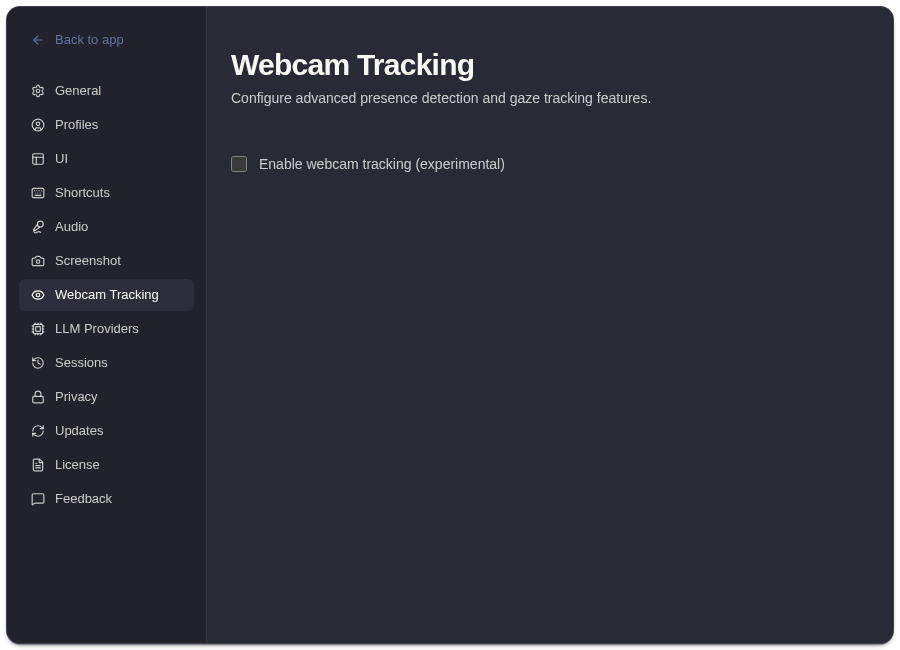
Experimental Controls
Section titled “Experimental Controls”| Control | What It Does |
|---|---|
| Enable webcam tracking | Turns the experimental feature on or off. |
| Camera selector | Chooses the camera device when more than one is available. |
| Preview | Shows whether the selected camera is producing a usable preview. |
| Status | Indicates active, no-face, unavailable, or retry states depending on device access and detection. |
| Open settings or retry | Helps recover from camera permission or device issues. |
Privacy Notes
Section titled “Privacy Notes”Camera access is separate from microphone and screen permissions. Review macOS camera permission before enabling this feature, and disable it when you do not need camera-based behavior.
This feature is experimental. Do not depend on it for critical workflows unless you have tested it in your own setup.
Related
Section titled “Related”Common Questions
Section titled “Common Questions”Is webcam tracking required to use ExtraBrain?
Section titled “Is webcam tracking required to use ExtraBrain?”No. Recording, transcription, screenshots, analysis, profiles, and session history work without webcam tracking.
Should I publish or rely on this feature as stable?
Section titled “Should I publish or rely on this feature as stable?”Treat it as experimental. Test it locally and disable it if it does not match your workflow.