
Connect An AI Provider
ExtraBrain uses the AI provider you select for live analysis. Provider setup controls where prompts, transcript context, and screenshot-derived context may be sent.
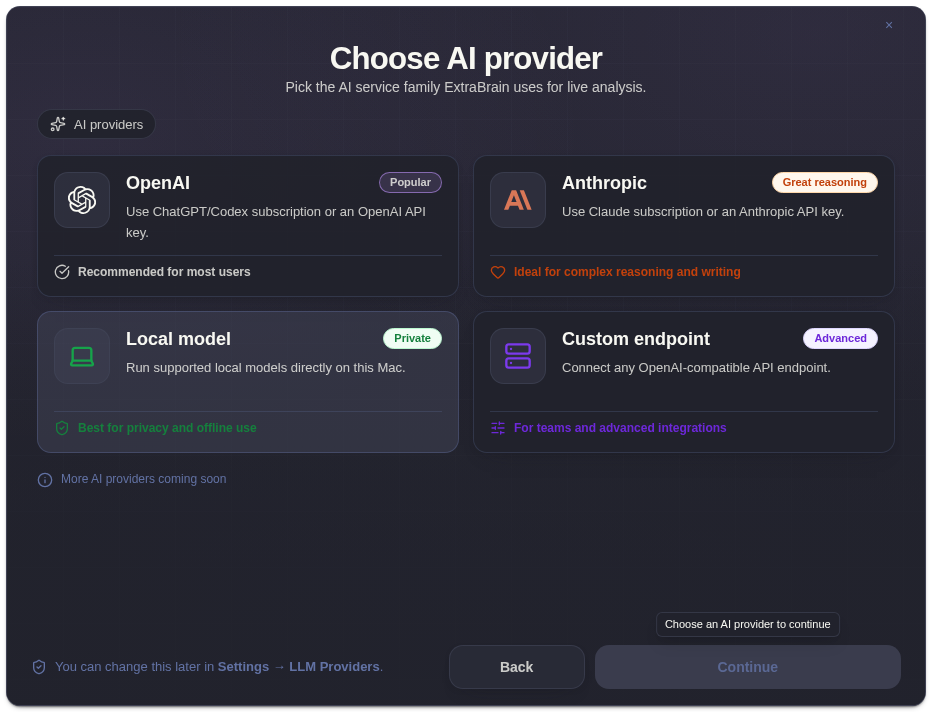
Public Provider Modes
Section titled “Public Provider Modes”- OpenAI API key.
- Anthropic API key.
- Codex Subscription using ChatGPT Plus or Pro directly, without an API key.
- Claude Subscription using Claude Pro or Max directly, without an API key.
- Custom OpenAI-compatible endpoint with base URL, API key, and model name.
Setup Checklist
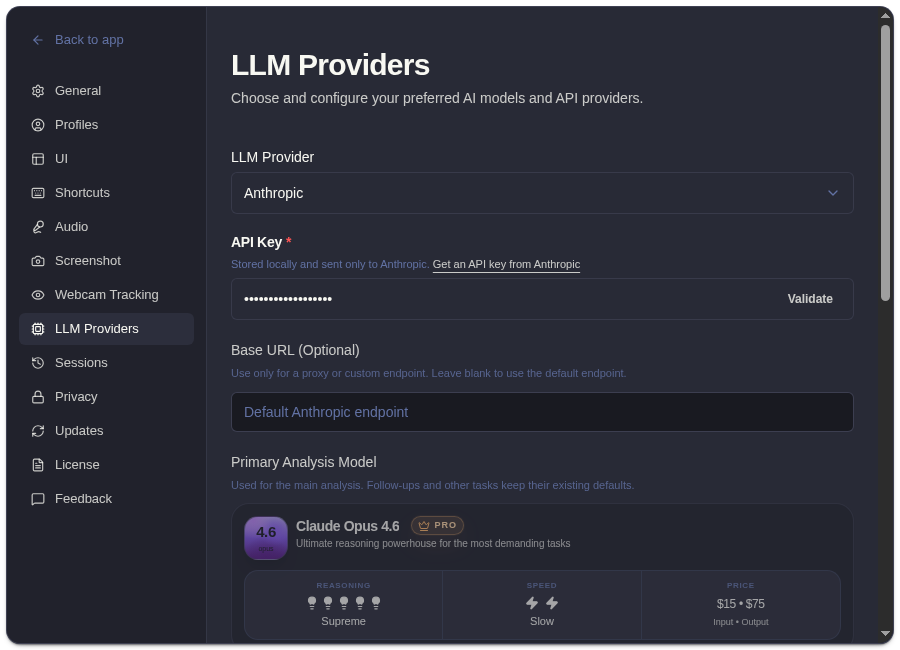
Section titled “Setup Checklist”- Open onboarding or Settings -> LLM Providers.
- Choose the provider family.
- Choose API key or subscription mode.
- Enter credentials when required.
- Validate or recheck the connection.
- Run a short test analysis.
Data Flow
Section titled “Data Flow”When you ask ExtraBrain for analysis with a cloud provider, relevant prompts, transcript context, screenshot-derived context, and custom questions may be sent to that provider. Provider billing, retention, quota, and account controls are governed by the provider you choose.
Related
Section titled “Related”- Connect OpenAI or Codex Subscription
- Connect Anthropic or Claude Subscription
- Use a custom OpenAI-compatible endpoint
- Review ExtraBrain pricing and provider cost separation
AI Provider Questions
Section titled “AI Provider Questions”Which AI provider should I choose first?
Section titled “Which AI provider should I choose first?”Choose the provider you already trust and can validate before a real session. For most users, that means starting with an existing OpenAI, Anthropic, Claude, or Codex account.
Can I keep more than one provider path ready?
Section titled “Can I keep more than one provider path ready?”Yes. Keeping a backup provider path is useful before interviews or meetings where quota, network access, or account status could change.