
How ExtraBrain Handles Data
ExtraBrain stores session data on your computer, but several workflows can send content to services. Review the selected providers, analytics preference, and enabled connections separately.
Local Storage
Section titled “Local Storage”The app keeps settings and provider configuration, saved session transcripts, analyses, screenshots, facts, and imported document copies/indexes locally. Parakeet processes speech on your computer. Compatible Apple Speech processes speech on the Mac. Local Gemma runs model inference locally in supported direct-download builds.
Local storage does not by itself establish encryption at rest or prevent access by other software or people with access to your computer.
Content That Can Leave Your Computer
Section titled “Content That Can Leave Your Computer”| Workflow | Content and destination |
|---|---|
| Your selected cloud AI provider | Prompts, transcript/conversation context, answers used as follow-up context, document excerpts, tool context, and actual screenshot images as needed. |
| ExtraBrain AI | Prompts, included conversation context, and attached images go to ExtraBrain for managed AI processing. |
| Deepgram | Audio goes to Deepgram for transcription. |
| Analytics sharing enabled | AI prompts, responses, tool payloads, and included screenshots can be uploaded to ExtraBrain’s AWS observability service. This can include transcript text or document excerpts present in those payloads. Audio is excluded from this analytics path. |
| Feedback you submit | The report text and optional email go to the feedback service. |
| Approved MCP app | The app can use exposed session read and non-secret write/control tools. |
| Phone Control | The paired phone receives control state over an encrypted device connection. It does not receive transcript text, analysis text, or desktop preview frames. |
Analytics Is A Separate Content Path
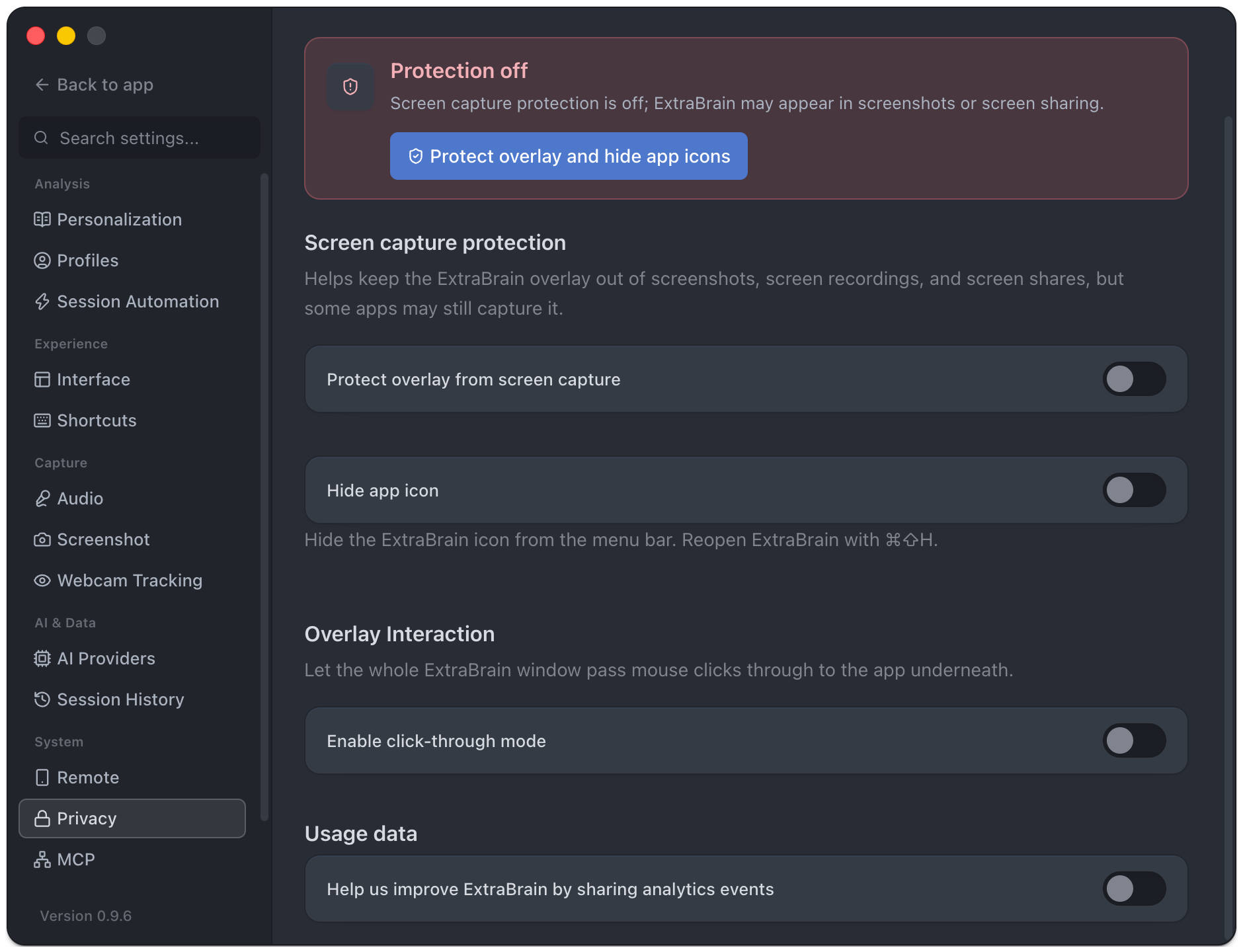
Section titled “Analytics Is A Separate Content Path”The Help us improve ExtraBrain by sharing analytics events preference is under Settings → Privacy and in Quick Settings. It covers content-bearing AI telemetry, not just anonymous counters. Uncheck it to stop future uploads through that path.
This preference does not stop an AI request you explicitly send to a cloud provider. Turning it off also does not delete previously uploaded data. Privacy controls explains the switches.
Cloud Providers And Failover
Section titled “Cloud Providers And Failover”Your provider account controls its billing, access, retention, and policy settings. A configured cloud backup can receive context when failover uses it. ExtraBrain Pro does not change another provider’s policies.
For local analysis, select local transcription and Gemma, inspect backup/failover settings, and disable analytics content uploads. Initial model downloads and other enabled online services can still require a network connection.
Deletion And Connections
Section titled “Deletion And Connections”Delete saved sessions or remove reference documents when no longer needed. Local deletion does not retract requests already sent externally. Revoke MCP connections and remove approved phones you no longer use.
See the privacy policy for policy details and contact information.