
Install ExtraBrain On macOS
Supported Platform
Section titled “Supported Platform”ExtraBrain is macOS-first today. Windows and Linux are planned, not current public release targets.
Use the official macOS release when you need the desktop overlay, live recording controls, local session history, screenshot context, and provider setup described in this help center.
Key Takeaways
Section titled “Key Takeaways”ExtraBrain installation is the macOS setup path that gets the desktop app, live recording controls, local session history, screenshots, transcription, and AI provider access ready before a live session.
- ExtraBrain supports Mac today, including Apple Silicon and Intel Macs.
- Windows and Linux are planned, not current public release targets.
- A reliable first setup has 5 checks: app launch, microphone permission, Screen Recording permission, transcription choice, and provider validation.
- Local Parakeet transcription does not require a Deepgram API key; optional Deepgram uses your Deepgram account.
Choose an Installation Method
Section titled “Choose an Installation Method”ExtraBrain is available in two places:
- Direct download is the recommended, feature-complete macOS build.
- Mac App Store is available if you prefer App Store installation.
For direct download:
- Open the ExtraBrain download page.
- Download the current macOS build.
- Open the downloaded installer or app bundle.
- Move the app into Applications if the release instructions call for it.
- Launch ExtraBrain.
First Launch Checklist
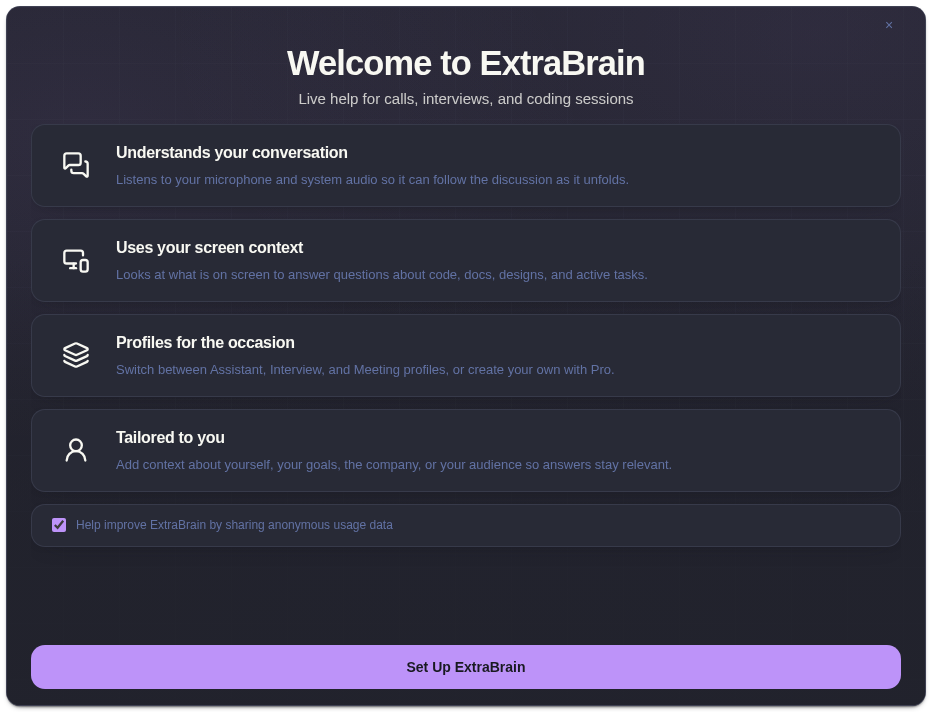
Section titled “First Launch Checklist”- Complete onboarding.
- Grant microphone, Screen Recording, and system audio permissions.
- Choose Local Parakeet or Deepgram transcription.
- Connect OpenAI, Anthropic, Claude Subscription, Codex Subscription, or a custom OpenAI-compatible endpoint.
- Run one short test session before using ExtraBrain in a real interview or meeting.
If macOS blocks microphone or screen access, open Grant macOS permissions and follow the System Settings recovery steps.
Installation Questions
Section titled “Installation Questions”Where should I download ExtraBrain?
Section titled “Where should I download ExtraBrain?”Use the official ExtraBrain download page. It recommends the feature-complete direct macOS build and also links to the Mac App Store version.
What should I test after installing ExtraBrain?
Section titled “What should I test after installing ExtraBrain?”Start a short session, confirm transcription appears, capture one screenshot, run one analysis, and verify the response uses the provider you selected.