
Send Feedback From ExtraBrain
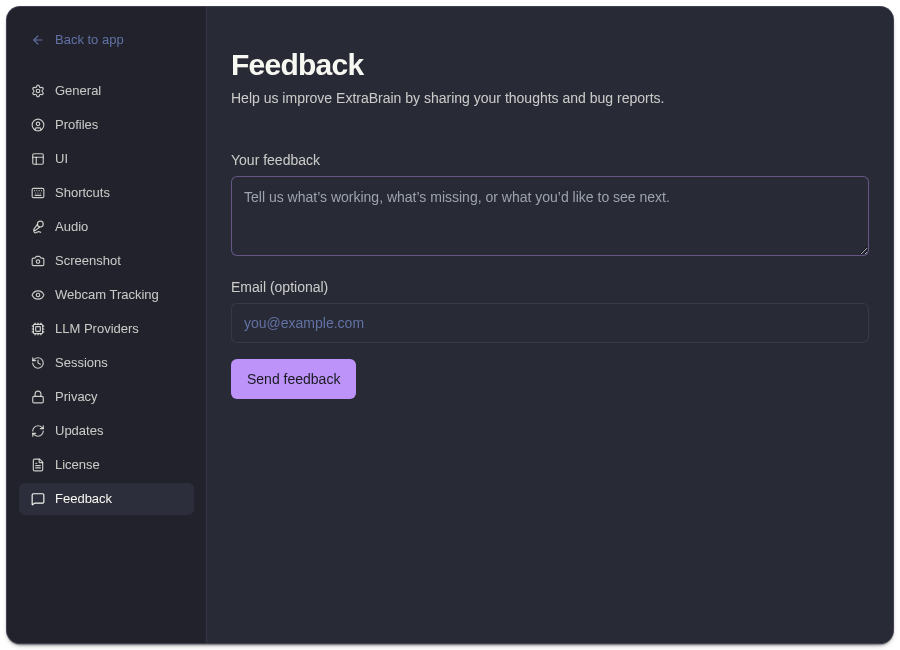
Use Settings -> Feedback to send product feedback, bug reports, or support context from inside ExtraBrain.
What To Include
Section titled “What To Include”| Field | Recommendation |
|---|---|
| Feedback message | Describe what happened, what you expected, and the workflow you were using. |
| Optional email | Add an email if you want support to follow up. |
For bugs, include the feature area, provider, transcription mode, macOS permission state, and whether the issue happened during onboarding, recording, analysis, screenshots, or settings.
Before Sending Sensitive Details
Section titled “Before Sending Sensitive Details”Do not paste API keys, private interview prompts, customer data, or confidential screenshots into feedback. If support needs more detail, share only the minimum context needed to reproduce the issue.
Related
Section titled “Related”Common Questions
Section titled “Common Questions”Is email required?
Section titled “Is email required?”No. Email is optional, but adding it makes follow-up possible.
What makes a useful bug report?
Section titled “What makes a useful bug report?”Include steps to reproduce, expected behavior, actual behavior, provider/transcription settings, and whether the issue started after an update.