
View And Delete Session History
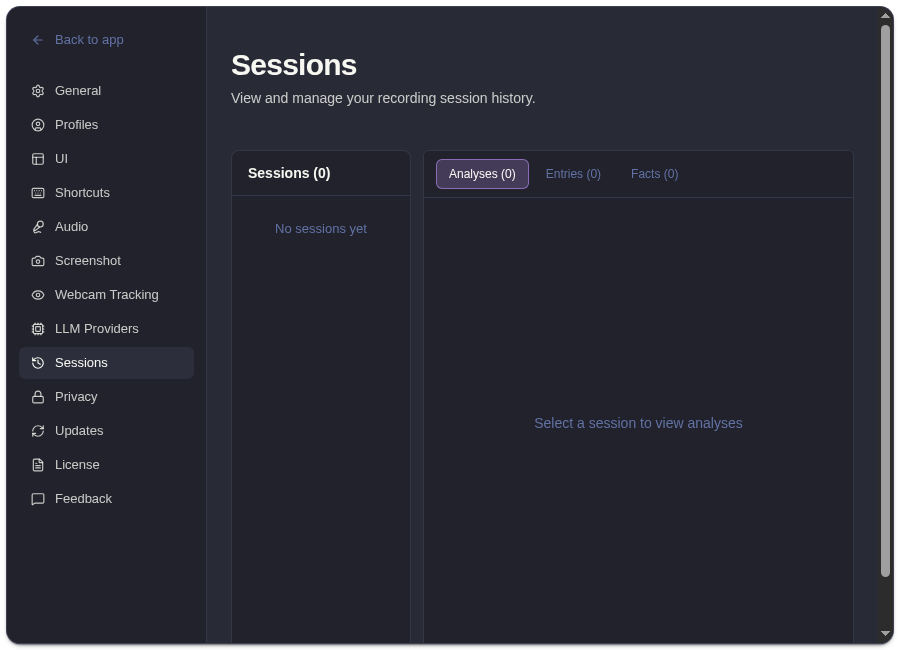
Open Settings -> Sessions to review saved local session history.
What Session History Shows
Section titled “What Session History Shows”Session history can include:
- session summaries
- transcript entries
- analyses
- facts
- screenshots
- entry counts and timestamps
Delete A Session
Section titled “Delete A Session”- Open Settings -> Sessions.
- Select the session.
- Click delete.
- Confirm deletion.
Deletion removes the selected session history, including associated analyses, entries, screenshots, and facts.
Why Delete May Be Disabled
Section titled “Why Delete May Be Disabled”Active sessions cannot be deleted. Stop recording first, then return to Settings -> Sessions.
Privacy Note
Section titled “Privacy Note”Session history is local to your Mac. It can still contain sensitive transcripts or screenshot artifacts, so delete sessions you no longer want to keep.
Session History Questions
Section titled “Session History Questions”Can I delete an active ExtraBrain session?
Section titled “Can I delete an active ExtraBrain session?”No. Stop recording first, then return to Settings -> Sessions. Active sessions are protected so recording and persistence do not conflict with deletion.
What is removed when I delete a session?
Section titled “What is removed when I delete a session?”The selected local session record is removed with its transcripts, analyses, facts, screenshots, entries, and related counts.