
Choose A Transcription Provider
ExtraBrain turns live speech into text with either local NVIDIA Parakeet or Deepgram.
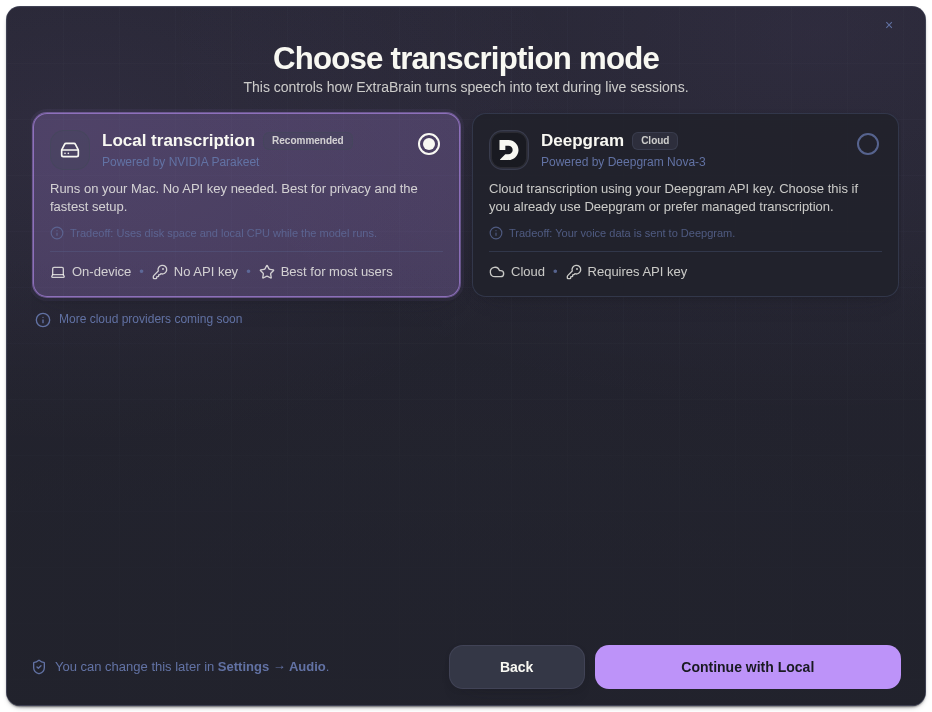
Quick Comparison
Section titled “Quick Comparison”| Option | Best For | Data Flow | Setup |
|---|---|---|---|
| Local Parakeet | Most users, privacy-sensitive sessions, fastest setup | Transcription runs on your Mac | No API key |
| Deepgram | Users who already rely on managed cloud transcription | Audio is sent to Deepgram | Deepgram API key required |
Local Parakeet
Section titled “Local Parakeet”Choose Local Parakeet when you want the simplest setup and prefer transcription to happen on the Mac. It requires local model storage and uses local CPU while the model runs.
Deepgram
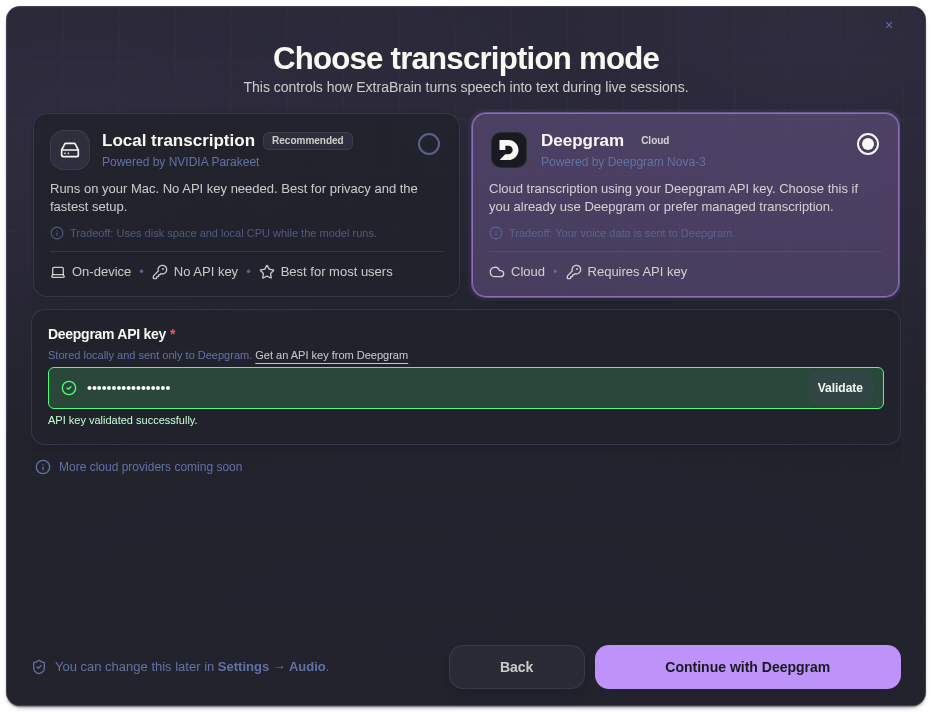
Section titled “Deepgram”Choose Deepgram when cloud transcription fits your workflow or your organization already uses Deepgram. Deepgram requires a valid API key.
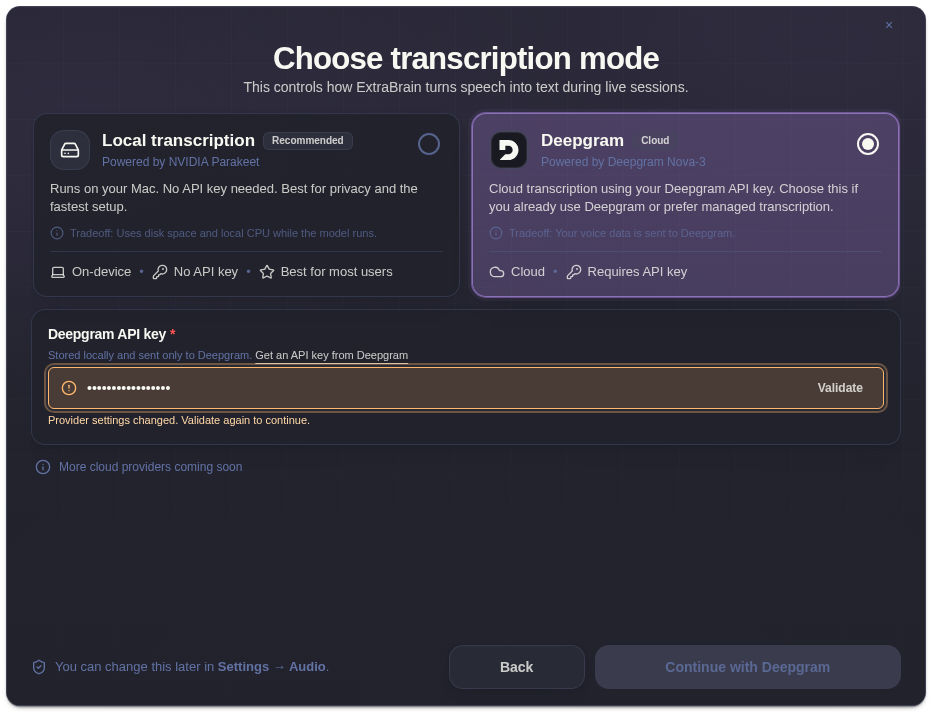
After validation succeeds, ExtraBrain can continue onboarding with Deepgram selected.
Privacy Note
Section titled “Privacy Note”Local Parakeet keeps transcription local. Deepgram sends audio to Deepgram for transcription. AI analysis is a separate choice and may send transcript text or screenshot-derived context to the LLM provider you selected.
Related
Section titled “Related”- Configure ExtraBrain audio settings
- Clean up transcripts and filler words
- Use voice trigger phrases
- How ExtraBrain handles data
Transcription Questions
Section titled “Transcription Questions”Which transcription provider is best for privacy?
Section titled “Which transcription provider is best for privacy?”Local Parakeet is the best default when audio should stay on your Mac. It does not require a Deepgram API key.
When should I choose Deepgram?
Section titled “When should I choose Deepgram?”Choose Deepgram when cloud transcription fits the session, your organization already uses Deepgram, or you prefer managed transcription and accept that audio is sent to Deepgram.