
Pair Your Android Phone With ExtraBrain
ExtraBrain Mobile puts the Mac app’s controls on your Android phone. Start a session, ask a question, or capture desktop context while keeping the answer visible on your Mac. Android is available now; iOS is in progress.
Before You Start
Section titled “Before You Start”- Install ExtraBrain on your Mac and open it.
- Install ExtraBrain Mobile for Android on Google Play.
- Keep your Mac awake, with both devices connected to the internet.
Phone Control does not require an ExtraBrain account or Pro subscription. Your selected AI and transcription providers still apply when you request analysis. The phone is a companion controller; the Mac handles transcription, capture, and answers.
Pair Your Phone
Section titled “Pair Your Phone”- On the Mac, open Settings → System → Remote and enable Enable phone controller.
- Choose Pair a phone to display a temporary QR code.
- Open ExtraBrain Mobile on Android and tap Scan QR code. Allow camera access when asked.
- Point the phone at your Mac’s code before the countdown expires.
- Check the phone name in the request on your Mac and choose Approve.
- Confirm the connected status and open the controller.
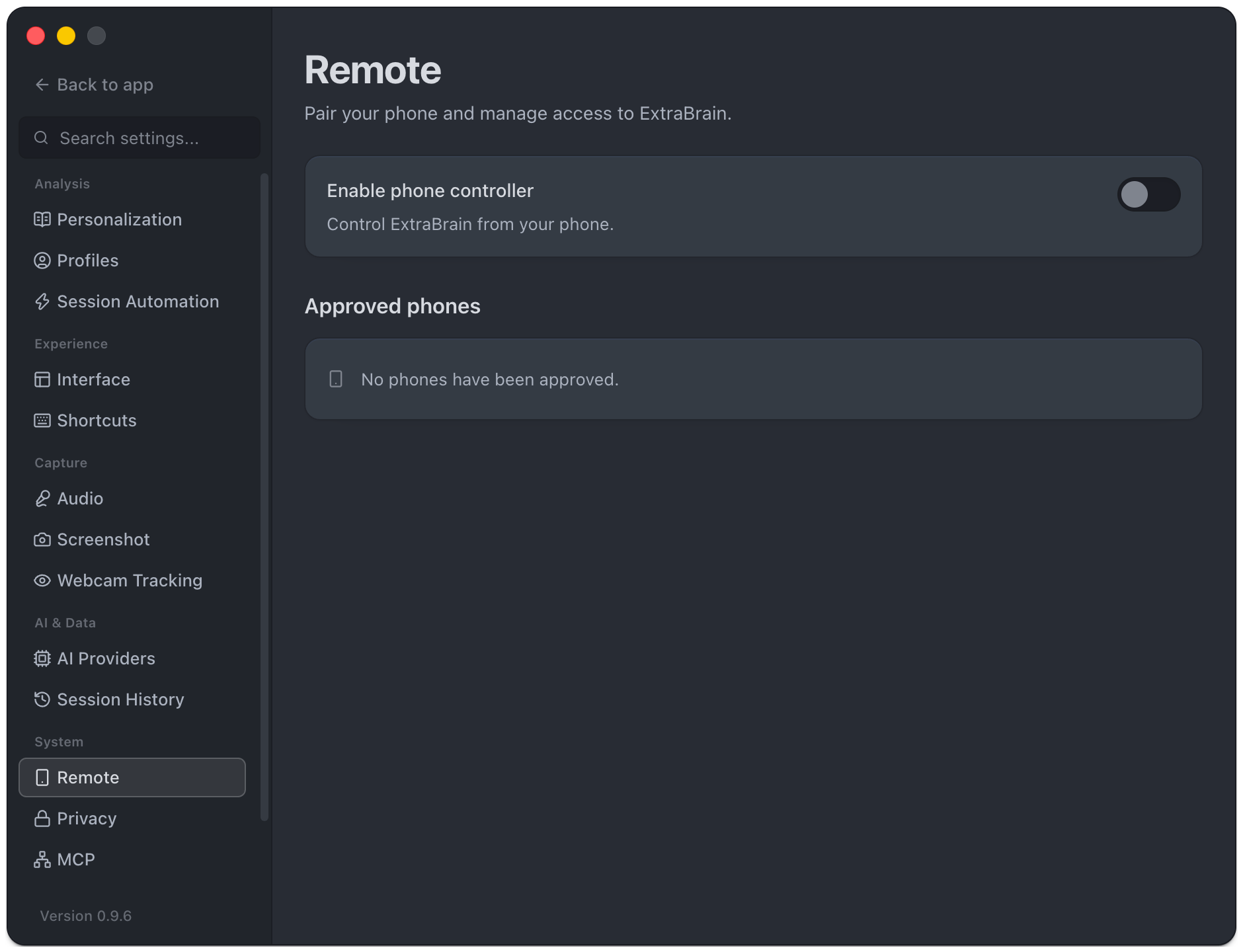
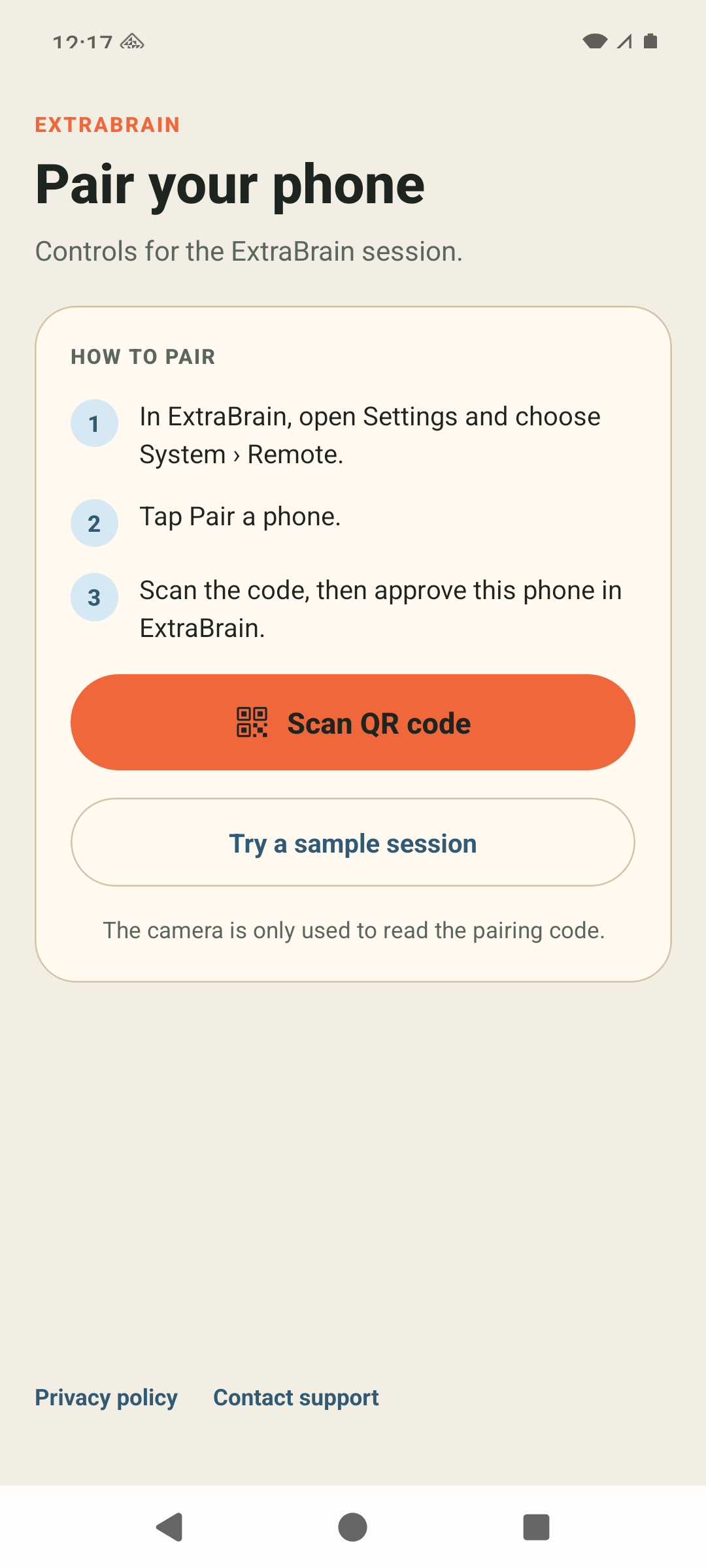
Only scan your own Mac’s code and approve a phone you recognize. If the code expires, generate a new one. You do not need to type a host address or configure a router. Tailscale is optional: a reachable direct connection can be used automatically, with the encrypted relay available across networks in configured releases.
Try The Controls First
Section titled “Try The Controls First”Tap Try a sample session to explore the controller without connecting to a Mac. Sample controls stay on the phone and do not start a real session, capture your screen, or ask an AI provider.
When paired, follow Use the Android controller for questions, capture, profiles, and window controls.
Reconnect Or Remove Access
Section titled “Reconnect Or Remove Access”After pairing, ExtraBrain Mobile remembers your Mac. Return to the connection screen and tap Reconnect if needed. To pair with another Mac, choose Scan a different code and approve the new connection on that Mac.
On the Mac, Disconnect phone ends the current connection. Under Approved phones, Remove revokes that phone’s access; it must pair again to control ExtraBrain. Disabling the phone controller stops control access. One phone controls the Mac at a time.
If pairing fails, see Phone Control troubleshooting. For encryption and provider boundaries, read how ExtraBrain handles data.