
Use The ExtraBrain CLI
The ExtraBrain CLI is a Terminal companion for the Mac app. It can also be used by scripts and AI assistants. Use the direct-download app for the supported local automation interface, and keep ExtraBrain open while using it.
Install And Check Capabilities
Section titled “Install And Check Capabilities”Follow the current official CLI installation instructions, then open a new Terminal window and run:
extrabrain --versionextrabrain --json capabilitiesThe capabilities result tells you what the installed app exposes. If pairing is required, use the CLI’s pairing flow and approve the request in ExtraBrain. An unsupported capability needs a compatible app/CLI version; do not assume every command works with an older release.
Import Reference Documents
Section titled “Import Reference Documents”Use paths on the same Mac where the CLI and app run:
extrabrain documents import --group "Interview prep" -- resume.pdf notes.mdextrabrain documents listTXT, Markdown, and PDF files are supported, up to 10 MB each. Imports accept up to 20 files at a time. Inspect per-file results and the returned batch status; a partly successful import is not a complete import. Use the returned resume ID to resume an interrupted import.
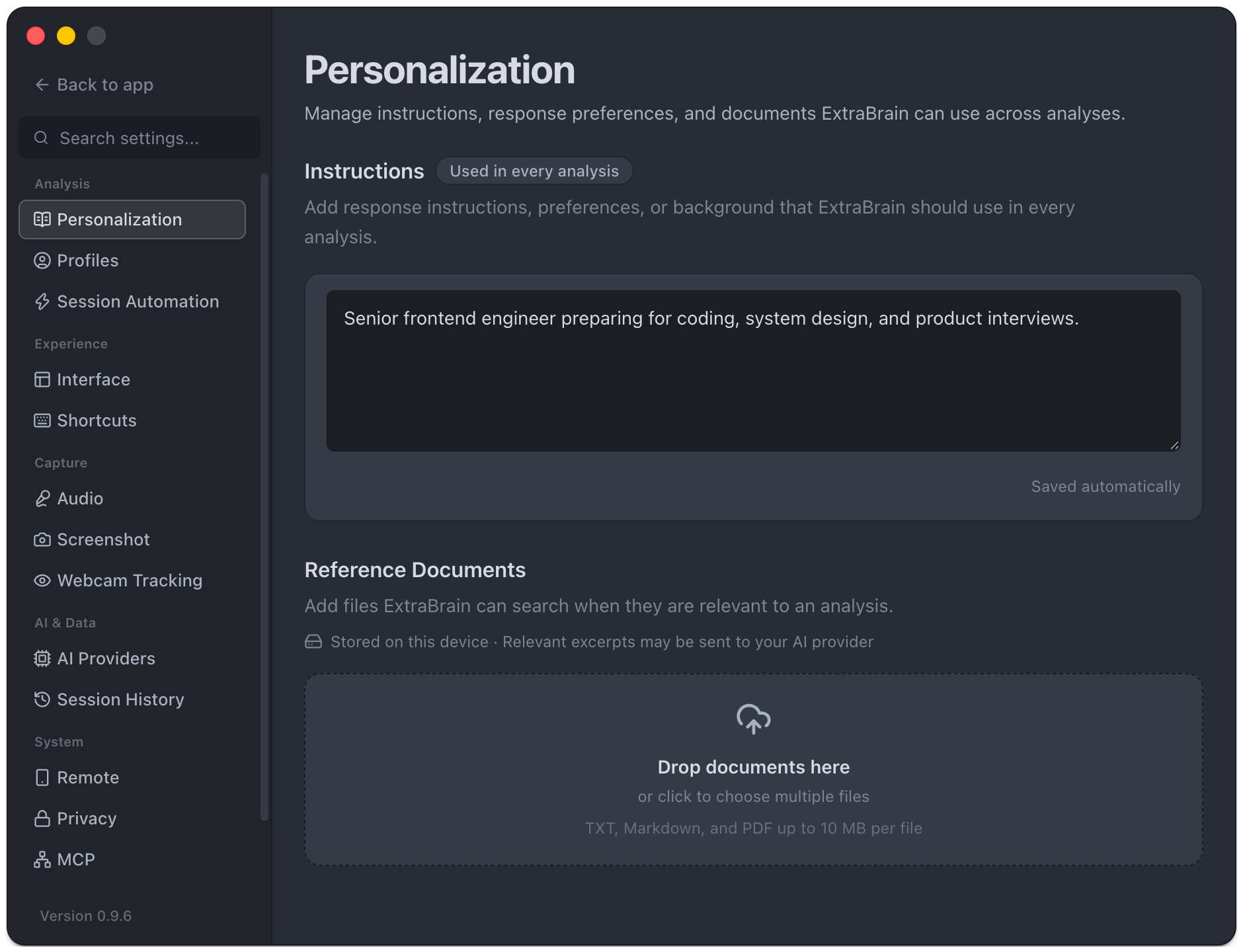
Imported files appear under Personalization → Reference Documents. They are not audio uploads. Relevant excerpts can still be sent to the selected AI provider during later analysis.
Profiles And Session Review
Section titled “Profiles And Session Review”Examples of read operations:
extrabrain profiles listextrabrain sessions listextrabrain sessions search "release risks"The CLI also offers profile creation/update/pinning and profile actions where the app supports them. Pro gates still apply. Session commands provide read access to stored transcripts, analyses, screenshots, facts, topics, questions, and chat turns.
Export And Manage Access
Section titled “Export And Manage Access”Session export can save a bundle of transcripts, screenshots, facts, and analyses to a new directory. Use the command’s help and the official README for exact arguments. Exports contain the session’s private content; choosing a shared or synced output location can expose it outside ExtraBrain.
extrabrain update updates the CLI separately from the Mac app. For an “app not running” error, open ExtraBrain. For unsupported features, check capabilities and update the app/CLI. See MCP connections for a separate paired-client workflow.